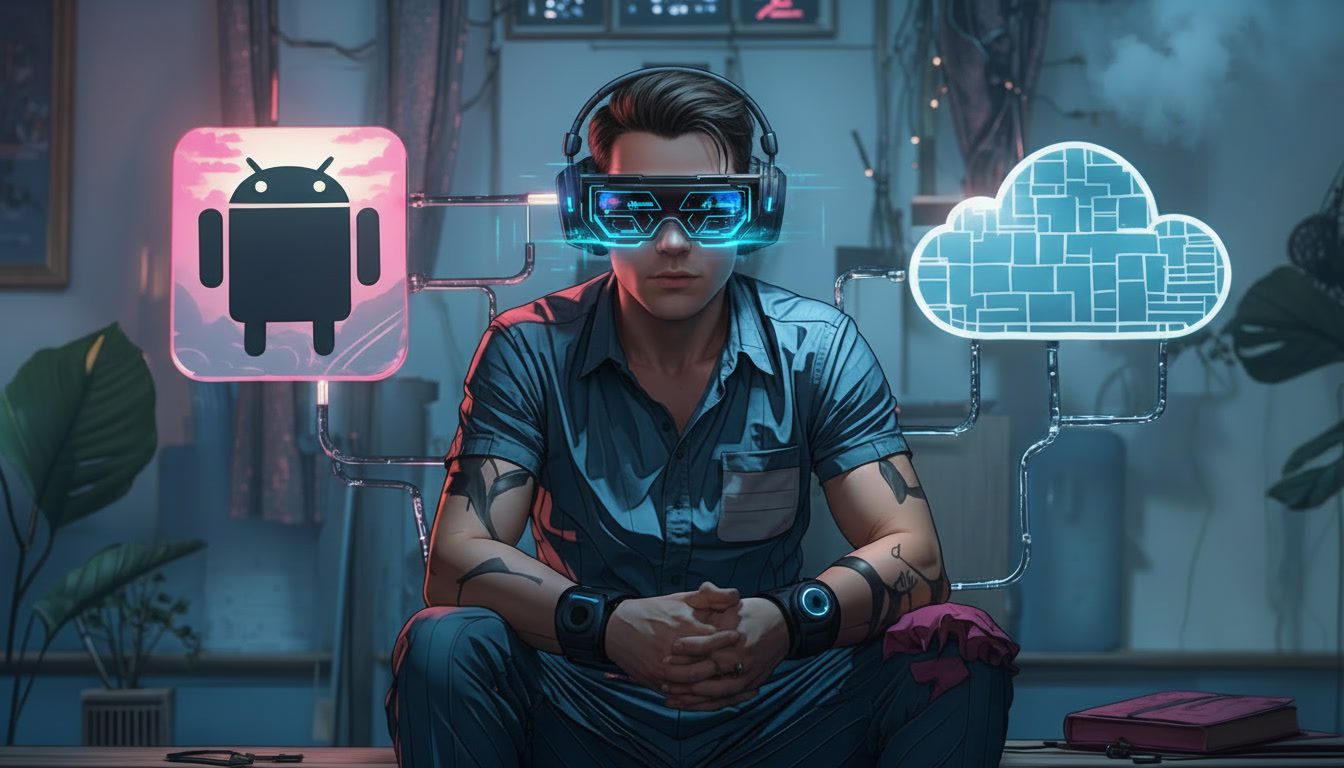

Navigating the world of virtual Android environments can feel like walking through a tech maze. You’ve likely heard the terms “Android emulator” and “cloud phone” tossed around, often used interchangeably by mistake. This definitive guide will cut through the jargon. We’ll dissect the fundamental technology behind each option, lay out their clear strengths and glaring weaknesses, and provide a concrete framework to match the right tool to your specific needs. Whether you’re a developer debugging code, a social media manager handling multiple brand accounts, or a business exploring mobile workflows, understanding this distinction is the first critical step toward operational efficiency and security.
The Core Distinction
An Android emulator is a local software application. You download and install it on your physical computer—whether it’s a Windows PC, Mac, or Linux machine. This software mimics (or “emulates”) the hardware and software of an Android device using your own computer’s resources. Think of it as a sophisticated actor putting on an Android costume. Popular examples include Android Studio’s built-in emulator, BlueStacks for gaming, and LDPlayer.
A cloud phone (also called a cloud mobile device or virtual mobile device) is a remote hardware instance. It is a genuine Android operating system running on a physical, Android-based server in a data center. You don’t install it; you access and control it remotely over the internet via a streaming protocol, typically through a web browser or a light client. You are literally interacting with a real Android device that just happens to be located miles away. Examples include Multilogin, GeeLark, and similar device farms.
Deep Dive: The Anatomy of an Android Emulator
An emulator translates the ARM instructions of Android apps into the x86/x64 instructions your computer’s CPU understands. This translation layer, while ingenious, introduces a performance overhead. It’s like reading a book translated from another language — you get the meaning, but it takes extra processing time.
Because it’s a simulation, an emulator constructs a software-defined device fingerprint. This fingerprint— comprising details like model name, Android version, screen properties, and installed fonts — is often idealized, generic, or follows a predictable pattern. For security systems employed by apps like Instagram, TikTok, or banking platforms, these fingerprints can appear “too perfect” or contain tell-tale signs of emulation (like certain non-standard GPU renderers or sensor data).
Android emulators are best suited for development, testing, and casual use. They’re free, run locally, integrate tightly with tools like Android Studio, and give you full control over files, networking, and sensors — but their translated CPU instructions and simulated device fingerprints can lead to performance overhead and easier detection by security-sensitive apps.
Primary Strengths
- Cost-Effective for Individuals & Testing: They are almost universally free for basic use. For a solo developer or a gamer, the $0 price tag is a massive advantage.
- Deep Integration with Development Tools: Emulators like the one in Android Studio are indispensable for developers. They allow for instant debugging, code profiling, screen recording, and simulating various network conditions and sensor inputs (GPS, rotation) directly from the IDE.
- Full Control over the Host Machine: Since it runs locally, you can easily drag-and-drop files from your desktop, use your local network, and integrate with other local development tools without latency or transfer protocols.
- Offline Functionality: Once configured, most emulators can run without an active internet connection, which is useful for testing app behavior in offline modes.
Deep Dive into Cloud Phone
A cloud phone service provisions a real Android container (often using a technology like KVM or custom hardware virtualization) on a dedicated server. You are allocated a slice of that physical hardware. When you “use” it, you are streaming a video feed of its screen and sending back input commands (taps, swipes, text), similar to remote desktop software but optimized for mobile.
The device fingerprint is not simulated; it is the actual fingerprint of the underlying Android container or the host device’s hardware. This results in a profile that is indistinguishable from a physical phone held in someone’s hand.
Cloud phones are designed for realism and scale. They run real Android environments on remote hardware, stream to your device, and provide authentic fingerprints with dedicated IPs — making them ideal for long-running sessions, multi-account workflows, and platforms with strict anti-emulation checks, all while keeping your local machine light and accessible from anywhere.
Primary Strengths
- Authenticity & Anti-Detection: This is their killer feature. They provide a genuine mobile environment. When combined with a unique, residential-quality proxy IP address for each device, they allow for the secure management of multiple accounts on sensitive platforms (social media, e-commerce, advertising) with minimal risk of detection.
- Resource Efficiency & Scalability: The heavy processing happens on the remote server. Your local computer only handles the video stream, which is light on resources. You can run 10, 50, or 100 cloud phones from a lightweight laptop because you’re not powering the Android OS locally. Scaling is as easy as renting another instance.
- Centralized Management & Team Collaboration: Cloud phone platforms are built for business. They offer web dashboards where you can see all your devices, install apps in bulk, push files to multiple instances simultaneously, and easily share access with team members with defined permissions (viewer, operator, admin).
- Always-On & Accessible Anywhere: Your virtual devices run 24/7 in the cloud. You can check them from your office PC, your home laptop, or your tablet without needing to restart or reconnect. They maintain their state indefinitely.
- Dedicated, Clean IP Environment: Reputable providers allow you to pair each cloud phone with a static, residential IP from a specific city or country. This geo-location consistency is vital for maintaining account trust.
Head-to-Head Comparison
| Feature | Android Emulator | Cloud Phone | Winner For |
|---|---|---|---|
| Core Technology | Local software simulation | Remote real Android hardware | Defines Use Case |
| Device Fingerprint | Simulated, often detectable | Genuine, indistinguishable from physical | Security & Stealth: Cloud Phone |
| Performance Load | Heavy on local CPU/RAM/GPU | Light on local resources (streaming) | Efficiency & Scaling: Cloud Phone |
| Cost Model | Free (mostly) | Recurring subscription ($/device/month) | Budget Testing: Emulator |
| Multi-Account Safety | Very High Risk (Shared local IP, detectable fingerprint) | Very Low Risk (Unique IP & fingerprint per device) | Account Management: Cloud Phone |
| Team Collaboration | Poor (requires complex setups like VMs) | Excellent (web dashboard, role-based access) | Business/Teams: Cloud Phone |
| Best For | App development, debugging, casual gaming, one-off testing | Social media management, multi-account e-commerce, ad verification, secure browsing, team workflows | Context-Dependent |
| Ease of Scaling | Difficult (limited by local hardware) | Effortless (click to add a new device) | Growth: Cloud Phone |
Clear-Cut Use Cases: Matching the Tool to the Task
When to Choose an Android Emulator
- Mobile App Development & QA Testing: This is their native habitat. The integration with Android Studio, ability to debug line-by-line, and simulate various device profiles and OS versions is unmatched.
- Casual Mobile Gaming on PC: Gamers use emulators like BlueStacks or Gameloop to play Android games with a keyboard and mouse for a different control scheme and a larger screen.
- One-Off App Testing or Demos: Need to quickly check how an app looks on a tablet layout, or show a client an app on a projector? Spin up a free emulator.
- Situations with No Internet: Developing or testing an app’s offline functionality where a cloud connection is impossible.
Conclusion
The choice between an Android emulator and a cloud phone is not about which technology is superior in a vacuum. It is a strategic decision based on your primary objective, scale, and risk tolerance.
Investing in the correct infrastructure from the outset prevents catastrophic failures down the line. By aligning your needs with the inherent strengths of each virtual Android solution, you build a foundation for efficiency, security, and sustainable growth.
Frequently Asked Questions
Is there any cloud Android Emulator?
Yes. There are cloud-based Android solutions that stream an Android environment to you via the browser or an app. Some are true cloud phones running real Android instances on remote hardware, while others are cloud emulators mainly aimed at testing. The key difference is whether the device is simulated (emulator) or backed by real hardware/containerized Android.
Are online Android emulators legal?
Yes, online Android emulators are legal in most countries. Legality depends on how you use them, not their existence. Using them for development, testing, or personal apps is fine; using them to violate app terms of service, commit fraud, or abuse platforms is what creates legal or contractual risk.
What is the difference between an Android Emulator and a real device?
An emulator simulates Android in software and often translates ARM instructions to x86/x64, which can impact performance and create detectable fingerprints. A real device (or cloud phone backed by real hardware) runs Android natively, has genuine sensors and hardware IDs, and behaves exactly like a physical phone.
How much RAM is needed for cloud gaming?
On your local device, very little—usually 4–8 GB RAM is enough since you’re just streaming video. On the cloud side, providers typically allocate 8–16 GB RAM per instance for smooth gameplay, depending on the game and resolution.
Is running an emulator illegal?
No, running an emulator itself is not illegal. It only becomes a problem if you use it to break laws, bypass security, or violate an app’s terms (for example, automating abuse or fraud).
Are Android emulators detectable?
Yes, most are. Many apps can detect emulators through hardware fingerprints, GPU renderers, sensor behavior, system properties, or timing anomalies. This is why security-sensitive apps (banking, social media, fintech) often restrict or block emulator access.