

Understanding your online identity is no longer optional; it’s necessary. An IP address is a unique number that identifies your connection to the internet. Every device that is connected to the internet uses one. Whether you’re concerned about privacy, troubleshooting connectivity issues, or verifying whether your VPN or proxy is working correctly, the right IP checker can give you fast, accurate insights into how your network appears to the outside world. In this blog post, we’ll talk about the best IP checkers that can help you with all of that!
Why You Should Check Your IP Address
Before reviewing the tools, let’s understand why you might want to check your IP address in the first place:
Online Privacy Awareness
Your IP address shows basic but important information like your country, city, ISP, and the type of network you’re on (mobile, residential, or data center). Advertisers, websites, and analytics platforms use this data to keep an eye on how people act, tailor content to them, and set regional limits. You can see what information is visible by checking your IP address. You can also take steps to stop unwanted tracking or profiling.
Check for Leaks
VPNs and proxies are meant to hide your real IP address, but if they are set up wrong, they can leak through DNS, WebRTC, or IPv6. An IP checker can help you find out if any of this private information is still out there, so you can fix problems before your real location or identity is made public online.
Security & Threat Detection
IP lookup tools can tell you if an IP address is linked to known proxies, VPNs, Tor nodes, or past bad behavior. This information is useful for finding dangerous connections, stopping abuse, and spotting possible security threats, whether you’re protecting your own device or a website.
The same type of IP intelligence is widely used in marketing systems to detect suspicious traffic patterns, helping businesses identify fake or low-quality leads before they enter the sales pipeline.
Network Troubleshooting
IP checkers are useful for figuring out what’s wrong with your connection because they show you your ISP’s information, routing paths, and geolocation mismatches. This makes it easier to find ISP outages, traffic that is going the wrong way, VPN conflicts, or configuration mistakes that are affecting your connection.
Top 5 Best IP Checkers Online
Below is an in-depth look at the top IP checker tools available today — with at least two paragraphs each and helpful pros/cons tables
WhoerIP
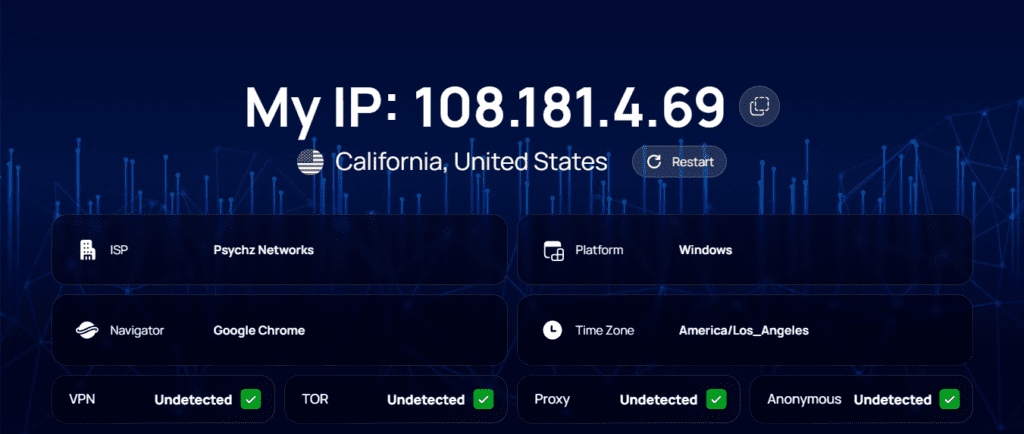
WhoerIP is more than just a simple IP lookup; it’s one of the best all-in-one tools on the web. At its core, it shows your public IP address (both IPv4 and IPv6), approximate geolocation, ISP, and other network details. But it goes a lot further. It actively checks for the use of proxies and VPNs, the detection of the Tor network, and whether your connection looks anonymous or compromised. The tool looks at HTTP headers, ASN data, and metadata to figure out what your connection really shows.
WhoerIP is different from other IP checkers because it can fingerprint devices and look at privacy. It doesn’t just show you an IP address; it also shows you what your browser is revealing, like DNS settings, WebRTC leaks, open ports, and even fingerprint-style signals. This gives you a full picture of how easy it is to trace your connection. This makes it very useful for people who care about their privacy, developers who are testing VPNs or proxies, and security auditors.
Features Beyond IP Lookup
- VPN/Proxy detection
- TOR node detection
- DNS and WebRTC leak tests
- Device fingerprinting
- ISP, ASN, and location data
- Blacklist/reputation checks
- Cookie & speed tool
Pros & Cons
| Pros | Cons |
|---|---|
| ✅Comprehensive privacy analysis | ❌Can be overwhelming for casual users |
| ✅Detects VPN/proxy leaks | ❌Some advanced metrics can be technical |
| ✅Works on mobile and desktop | ❌UI crowded with tools if only basic lookup needed |
| ✅No installation required |
Whoer
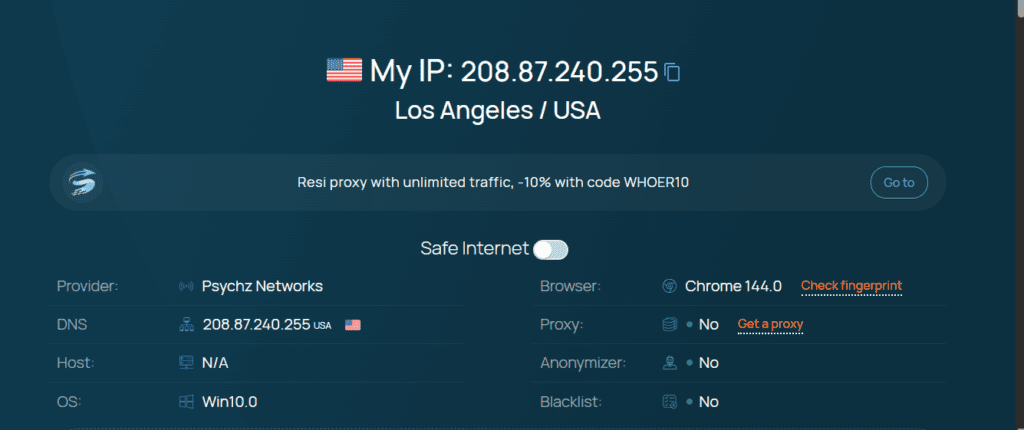
Whoer is a simple tool that shows you your public IP address, location, ASN, ISP, and connection information right away. It’s one of the quickest ways to find out “what is my IP address?” and it adds some security checks, like DNS leak tests and clear alerts if your IP seems to be exposed.
Whoer is easier to use than WhoerIP, but it still has a VPN and proxy detection check that compares your IP’s country with DNS/locale settings to find possible tunneling. It also shows DNS addresses and leak status, which makes it easy for users to see if their privacy tools are working properly.
Features Beyond IP Lookup
- DNS leak detection
- VPN/proxy/TOR detection
- ISP and ASN info
- Leak tests and privacy indicators
Pros & Cons
| Pros | Cons |
|---|---|
| ✅Very fast & easy to use | ❌Less detailed than WhoerIP |
| ✅Clear visual interface | ❌Fewer advanced tools |
| ✅Great leak-detection tests | ❌No deep fingerprinting |
| ✅No signup needed |
IPQualityScore
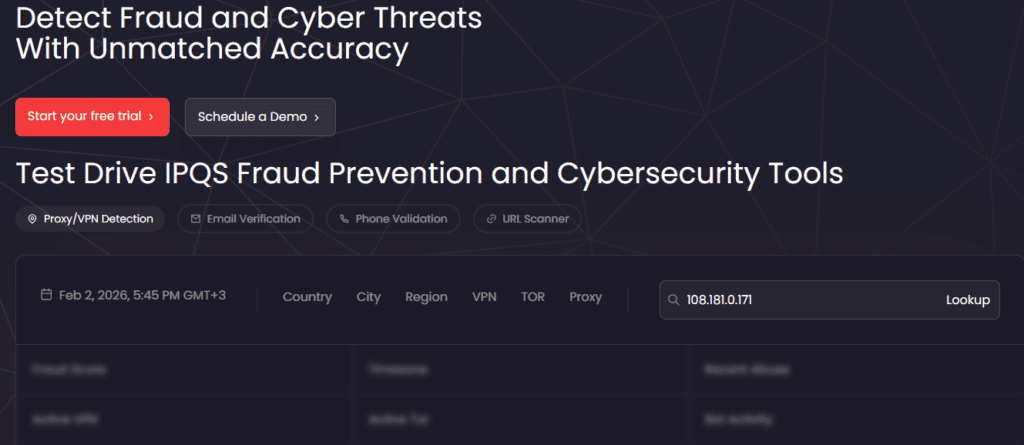
IPQualityScore checks an IP address against traditional IP lookup, risk scoring, and fraud signals to see if it is linked to bad or suspicious activity. IPQS gives you more than just basic geolocation and ISP data. It also gives you a fraud score, checks against blacklists, and advanced proxy and VPN detection. It can find many types of proxies, such as datacenter IPs, TOR, and even mobile proxies that are hard to find with simpler tools.
This is why IPQS is so helpful for businesses, API users, and security experts who need to sort through traffic, stop fake sessions, or look at the quality of traffic. Its interface is more useful than those of sites aimed at consumers, but the depth of insight makes it useful for managing risk.
Features Beyond IP Lookup
- Proxy/VPN/TOR detection
- IP fraud risk scoring
- Blacklist & abuse history
- API access for automated checks
Pros & Cons
| Pros | Cons |
|---|---|
| ✅Detailed risk scoring | ❌More complex for casual users |
| ✅Covers many proxy types | ❌Some features behind API/signup |
| ✅Great for business/SEC needs | ❌Less visual UI |
| ✅Customizable risk filters |
ProxyCheck
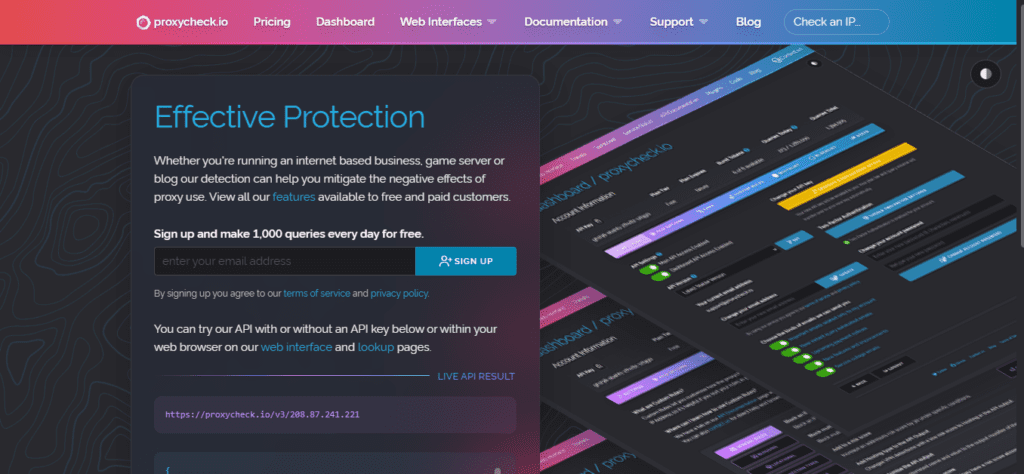
proxycheck.io isn’t just a browser tool — it’s a service that focuses on identifying proxy and VPN usage accurately and efficiently. While it provides free daily lookups, its biggest value lies in API integration for apps, websites, and services that need to filter traffic in real-time.
Unlike basic IP lookup tools, ProxyCheck.io is designed to help owners mitigate negative effects of anonymized traffic — whether that’s protecting member areas, filtering bots, or flagging risky sources. Its detection engine focuses on known proxy ranges and VPN providers, making it a solid choice for businesses needing consistent behavior.
Features Beyond IP Lookup
- VPN/proxy detection API
- Free and paid query tiers
- Easy integration for apps
- Daily free lookup limits
Pros & Cons
| Pros | Cons |
|---|---|
| ✅API access for automation | ❌Less polished UI |
| ✅Built for developers | ❌Not geared to casual end users |
| ✅Good proxy/VPN coverage | ❌Requires sign-up for full features |
| ✅Free tier available |
IP2Proxy
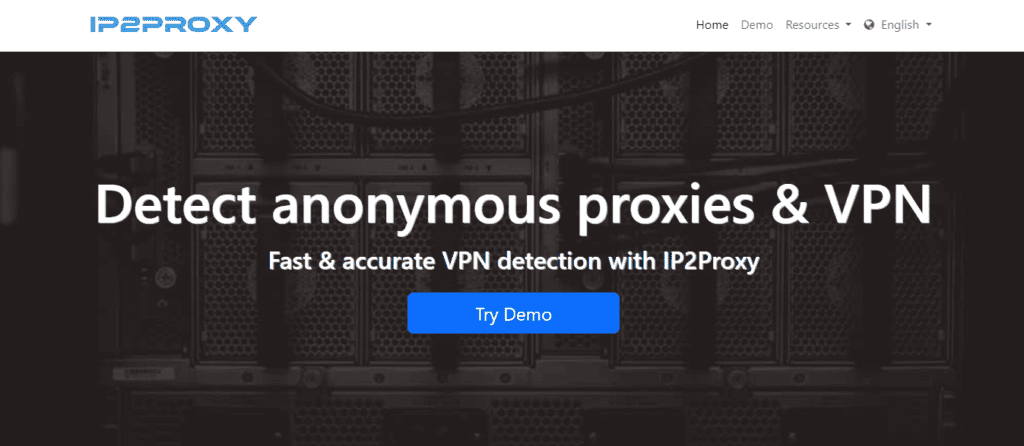
IP2proxy specializes in proxy detection, offering lookup and classification services aimed at identifying whether an IP belongs to a VPN, open proxy, TOR exit node, search engine spider, or data center. Its strength lies in detailed type classification, useful for filtering traffic or tightening security rules.
While IP2Proxy doesn’t focus as much on general geolocation or privacy scoring, it excels when you need precise classification — for example, blocking unwanted proxy traffic or verifying if traffic is truly residential versus VPN-routed.
Features Beyond IP Lookup
- Proxy type classification
- Multiple detection methods
- Database, API, or batch services
- Integrations with business tools
Pros & Cons
| Pros | Cons |
|---|---|
| ✅Highly accurate proxy classification | ❌Less focused on simple IP info |
| ✅Multiple proxy types detected | ❌UI isn’t consumer-centric |
| ✅API and batch lookup options | ❌Generally for advanced users |
| ✅Great for security filters |
Which IP Checker Should You Choose?
Every IP checker ultimately reveals the same core data — who your ISP is, where the IP is registered, and the numeric address of your connection. But the level of understanding is very different:
- WhoerIP is the best all-around privacy tool because it does more than just look up information. It does deep analysis and leak testing.
- Whoer is the best site for quick, easy checks because it gives you results right away with little work.
- IPQualityScore is best for security experts because it can find fraud and risk.
- ProxyCheck is best for developers and site owners because it has API support.
- IP2Proxy is the best tool for detailed proxy classification because it can find proxy types very well.
Conclusion
All in all, there are plenty of IP checkers, that you might find helpfull. It is great, that there are so many resources helpng people to preserve security, check their proxy and IP. With these tools it is easy to feel safe and free on the Internet.
Frequently Asked Questions
Is using an IP logger legal?
It depends. Collecting IP addresses can be legal for analytics or security, but using an IP logger to track, harass, or identify someone without consent may violate privacy or data-protection laws in many countries.
Can an IP scanner detect hidden devices?
No. An IP scanner can only detect devices that are actively connected and responding on the same network. Hidden or firewalled devices usually won’t show up.
What happens if you click an IP grabber?
The site logs your public IP address and basic data like location, ISP, and browser type. It cannot hack you, access your files, or reveal your exact home address.
Can you stop your IP address from being tracked?
Not completely, but you can reduce tracking by using a VPN, proxy, or Tor, disabling WebRTC leaks, and limiting browser fingerprinting.
How does my IP address affect my online security?
Your IP can reveal your approximate location and ISP and may be used for tracking, targeting, or blocking. Exposed IPs can increase risk if combined with other data, but alone they’re not enough to compromise you.
Do I need a dedicated IP address?
Only in specific cases — like hosting servers, running business services, or avoiding shared IP blacklisting. Most users are fine with shared or dynamic IPs.