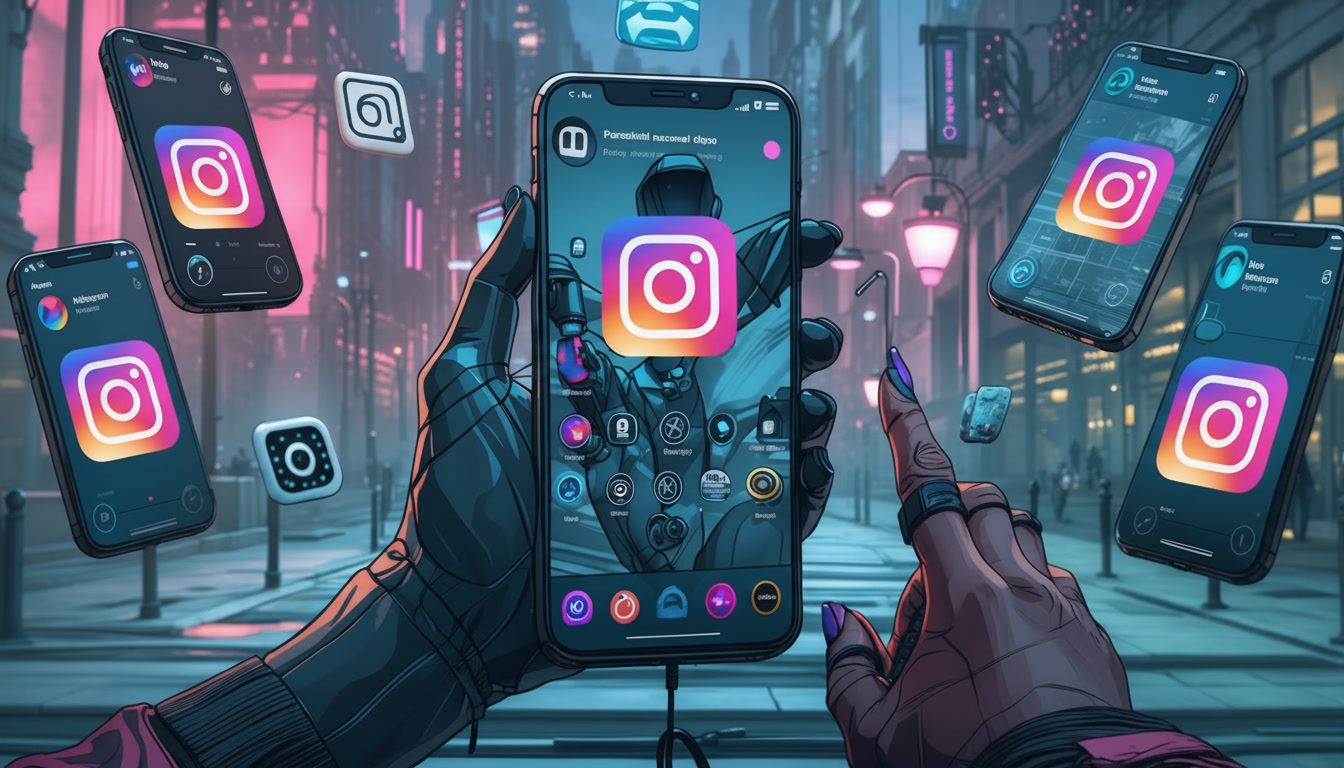

Multi-accounting in Istagram is difficult. Instagram detects automated processes easily, has strict scraping policies and has very ucomfortable desktop version, being primaraly a mobile app. Fortnately, the marketing world always brings some new features to the table. In this article we’ll explore why you should use them and introduce the best cloud phones for Instagram!
What are Cloud Phones?
Cloud phones are virtual mobile devices hosted on remote servers. They provide a genuine, isolated mobile environment accessible from any web browser, allowing you to manage Instagram accounts with significantly reduced risk of detection, bans, or shadowbanning.
As Instagram’s security protocols tighten in 2026, leveraging the right cloud phone technology isn’t just an advantage; it’s becoming a necessity for serious Instagram growth strategies.
Furthermore, using cloud phones gives you an ability to work with more convinient and user-oriented mobile interfaces.
What Makes a Cloud Phone Ideal for Instagram?
Before we jump right into cloud phones review, let’s discuss what features are necessary when it comes to marketing in Instagram:
- Device Fingerprint Uniqueness: Each cloud phone must generate a unique, believable, and consistent set of device parameters (OS version, model, screen resolution, fonts, etc.). Instagram uses this “fingerprint” to identify devices. Repetitive or emulator-like fingerprints raise red flags.
- IP Isolation & Geolocation Control: Each virtual device should be assigned a dedicated, residential-quality IP address from a location relevant to your target audience. Mixing accounts on a shared IP is a common reason for punitive action.
- Android Environment Authenticity: The platform should run a true, unrooted version of Android, not a simulated or emulated environment that Instagram can detect as artificial.
- Performance & Usability: The user experience should be smooth, with minimal lag, high-resolution streaming, and support for uploading high-quality images and videos—a must for Instagram’s visual platform.
- Team Collaboration & Scaling: Features like role-based permissions, team member access, and the ability to easily add more devices are essential for agencies and growing businesses.
Top Cloud Phone Platforms for Instagram in 2026
Based on performance, security features, and user feedback, here are the leading cloud phone solutions! Learn about each product, their pros and cons and choose the right option for yourself!
Multilogin
Key Features from Multilogin
- Advanced fingerprinting (55+ signals fully spoofed): Canvas, WebGL, AudioContext, timezone, fonts, UA, etc.
- Built-in residential proxies with city-level targeting: 150+ countries / 1,400+ cities
- Team workspaces & role-based permissions ensuring secure profile sharing
- Automation-ready: robust REST API + examples; integrates with Selenium, Puppeteer, Playwright, Postman
- 24/7 expert support in 5 languages — EN, VI, RU, ZH, PT
- Passes major fingerprint checkers; tested daily on 50+ sites
- Cloud Android emulation — run real Android, install and use apps
- Genuine cloud-hosted Android devices with real hardware identifiers for authentic mobile multi-accounting.
- Real Android hardware parameters (IMEI, Android ID, MAC, system settings) deliver non-spoofed mobile identities.
- App storage, cache, and login states persist between sessions for natural account warm-up.
Multilogin is a choice for teams that need mobile multi-account management combined with advanced fingerprint controls, which is particularly important while working in Instagram.
Users can manage multiple cloud phones from comfortable desktop application, having full control over Android 10–15 devices, with features like unique device fingerprints and bulk operations.
Multilogin’s proxy integration ensures that you can match your device’s location to any proxy for seamless operation across multiple accounts.
| Pros | Cons |
|---|---|
| ✅ Strong isolation model for device security. | ❌ Can be costly for some users. |
| ✅ Proxy integration with fingerprint control. | ❌ You must be proactive in cleaning up unused devices. |
| ✅ Great automation features. | ❌Mobile app setup and initial configuration can be complicated. |
| ✅ Managment of desktop browser profiles and cloud phones from one platform. | |
| ✅ Built-in residential proxies for desktop + mobile-grade proxies for cloud phones, matched to geolocation. | |
| ✅ 2-in-1 bundle (cloud phones with full access to our leading antidetect browser in the same dashboard). | |
| ✅ Scalable features ideal for team-based operations. |
GeeLark
Key Features from GeeLark
- True cloud‑hosted Android devices that behave like real smartphones
- Each cloud phone gets its own unique hardware identifiers
- Built‑in support for proxies (HTTP/HTTPS/SOCKS5)
- Bulk & Phone Farm Management
- The Synchronizer feature lets you mirror actions from one phone to others
- Automation & RPA Workflows
- Integrated AI assistance and creative tools
If you need automated features, GeeLark is just for you! It provides flexible per-minute or monthly rental options, making it versatile for varying budget needs. Its daily caps help users control costs while ensuring that usage does not exceed planned budgets.
Multi-account operators will appreciate the ability to rent multiple cloud phones on demand without long-term commitments, wich is very convinient when it comes to Instagram.
However, users will still need to manage proxies and ensure device consistency within their operation, as the platform doesn’t include those features by default.
| Pros | Cons |
|---|---|
| ✅ Flexible billing with clear cost caps. | ❌ Requires external processes for proxy hygiene and device consistency. |
| ✅ Built for multi-account operations. | ❌ Lacks built-in proxy management features. |
| ✅ Automation-friendly, allowing bulk or scheduled actions. | ❌ While good, some social media platforms might still flag virtual environments. |
| ✅ Scalability and isolation. | |
| ✅ Supports installing apps from Google Play or APKs. | |
| ✅ No Physical Hardware Needed. |
MoreLogin
MoreLogin is a great option for users who need pay-as-you-go cloud phones without committing to long-term rentals. It provides a daily cap for each cloud phone, allowing users to better manage their costs and avoid unexpected charges.
MoreLogin’s straightforward pricing and monthly rental options make it a popular choice for businesses needing quick and simple cloud phone solutions.
Despite this, it remains a budget-conscious choice for businesses that don’t require 24/7 availability or high-volume usage.
| Pros | Cons |
|---|---|
| ✅ Simple and predictable pricing structure. | ❌ Fingerprint quality and control are limited. |
| ✅ Flexible for businesses looking for pay-as-you-go options. | ❌ Lacks advanced features for large-scale or complex operations. |
| ✅ Daily cap for cost control. | ❌ Potential storage fees for unused devices. |
| ✅ Cross-platform & Cloud Mobile. | ❌ Security Concerns. |
| ✅ Strong support. |
DuoPlus
DuoPlus stands out as a low-cost, high-volume cloud phone solution that supports multiple billing models.
It offers a “cloud mobile” price for entry-level usage, as well as temporary or subscription-based “startup” billing modes for different types of users.
These features make it ideal for multi-account operations, especially when dealing with short-term projects or temporary phone number needs.
It is best suited for businesses that need multi-instance support at a low cost but can navigate its varied billing modes.
| Pros | Cons |
|---|---|
| ✅ Low entry cost for cloud mobile. | ❌ Billing menu can feel complex and confusing for first-time users. |
| ✅ Accessible from any device (PC, mobile, tablet) without client downloads. | ❌ Needs careful mapping to your usage plan. |
| ✅ Designed for high-volume, multi-account operations. | ❌ Requires users to purchase and configure proxies separately |
| ✅ Uses real ARM-based phones for isolated environments | |
| ✅Protects against data breaches and account linking, |
VMOS Cloud
VMOS Cloud distinguishes itself as a highly specialized cloud phone solution built on a foundation of deep Android virtualization.
Unlike standard emulators, it operates by running a fully virtualized, rootable Android ROM (Virtual Mobile OS) within a cloud instance.
The platform grants users administrative (root) access by default, allowing for the installation of specialized modules, deep system-level tweaks, and custom ROM flashing. T
| Pros | Cons |
|---|---|
| ✅ Root access by default. | ❌ Designed for manual use. |
| ✅ Multiple billing modes for flexibility. | ❌ Requires users to purchase and configure third-party proxies. |
| ✅ Designed for high-volume, multi-account operations. | ❌ Rather premium option. |
| ✅ Fully virtual environment. |
Conclusion
Investing in a good cloud phone is now not a luxury, but a necessity, for any serious Instagram marketer. It is a way to ensure the security of your precious accounts, scaling of operations, and flexibility of working anywhere, at any time.
For most professionals, Multilogin is the most comprehensive solution to the problem in 2025. For those who are just starting their journey in Instagram marketing, VMOS Cloud is the best option in terms of safety and cost. By choosing the right tool and implementing the right management strategies, you can tap the real potential of Instagram marketing without the fear of losing the functionality of your accounts.
Frequently Asked Questions
Which cloud phone is best for Instagram?
For Instagram management, **Multilogin** is an excellent choice for teams that need to manage multiple accounts securely from a desktop. It provides advanced, customizable Android environments (versions 10-15) with unique device fingerprints and seamless proxy integration to mimic real user locations, which is crucial for avoiding Instagram's detection algorithms. Its centralized dashboard allows for efficient bulk operations. Starting at €5.8/month with usage-based billing, it's a cost-effective and powerful solution for professional, team-based Instagram operations.
Can I use Multilogin for social media?
Yes, Multilogin is ideal for managing multiple social media accounts. It allows you to create and run cloud profiles with unique fingerprints and proxy integration, ensuring that your accounts remain isolated and undetectable. This makes it perfect for scaling social media tasks, managing multiple Instagram, Facebook, Twitter, or other platform accounts safely.
What is a Cloud Phone Android?
A **Cloud Phone Android** is a virtual Android smartphone that runs on a remote server. You access and control it from any device via the internet, using it just like a physical phone through your web browser. It provides a genuine, isolated Android environment—complete with its own unique device fingerprint and IP address—primarily used for securely and efficiently managing multiple apps or accounts (like social media or e-commerce) without the risk of bans from using a single physical device.
Why use a cloud phone?
Manage multiple accounts (social media), test apps, automate tasks, or run apps without local storage.
Is cloud mobile an Android phone?
Yes, cloud mobile refers to a cloud-hosted Android phone, meaning the phone operates in the cloud, but it runs a full Android operating system (like a real mobile device). It provides the same functionality as an Android phone, but without the need for physical hardware. These cloud phones can be accessed remotely, enabling mobile app use and multi-account management just as you would on a regular Android phone.
Are there alternatives to Redfinger?
Sure! LDCloud and Multilogin are options you might consider, as they posess some simmilar features.
Is DuoPlus cloud phone free?
1. Cloud mobile phone cost: $2 per month (The more you buy, the lower the price. Please refer to the purchase page for details.), when purchasing or renewing a cloud phone, you will also receive additional temporary startup time.