
If your tweets suddenly stop getting likes, replies, or impressions, you might be dealing with a shadowban. For marketers, creators, and brands, this can quietly reduce reach and hurt campaign performance without any clear warning.
In this guide, we’ll explain what a shadowban is, why it happens (especially from a marketing perspective), and review the best tools to check shadowban on Twitter. Each tool is described in detail so you can choose the one that fits your workflow.
What is a Shadowban on Twitter (X)?
A shadowban is a visibility restriction applied to an account or its content without a formal suspension. Your account still exists, and you can post normally, but your tweets may:
- Not appear in search results
- Be hidden from hashtag feeds
- Be excluded from conversations or replies
- Reach fewer users than usual
In many cases, the account owner isn’t notified. The only noticeable sign is a sudden drop in engagement, impressions, or discoverability.
Twitter (X) doesn’t officially use the term “shadowban,” but the platform does apply visibility filtering to limit content it considers low quality, spammy, or potentially harmful.
Why Twitter Accounts get Shadowbanned
For marketers managing growth, automation, collecting data or multiple accounts, shadowbans often come from behavioral signals rather than individual tweets.
1. Aggressive automation or scheduling
Posting too frequently, sending repetitive replies, or running multiple automation tools at the same time can trigger spam detection.
2. Duplicate or repetitive content
Using the same text across multiple accounts or posting identical promotional messages repeatedly reduces content quality signals.
3. Rapid follow/unfollow activity
Growth tactics that rely on mass following or unfollowing are commonly flagged by Twitter’s anti-spam systems.
4. Overuse of hashtags or trending topics
Adding irrelevant trending hashtags just to gain visibility can lead to reduced reach.
5. Multiple accounts from the same environment
If several accounts operate from the same IP address, device, or browser fingerprint, Twitter may classify them as coordinated or automated behavior.
6. Reports from other users
Frequent reporting, even without policy violations, can lower account visibility.
For brands and agencies, these risks increase when running outreach campaigns, influencer networks, or multi-account strategies.
Best tools to check shadowban on Twitter
Below are the most reliable tools to detect visibility issues, search filtering, or engagement suppression. We’ll tell about simple shadowban checkers and more complex arketing tools, that also might help you to detect Twitter shadowban.
1. Hisubway Online Shadowban Test
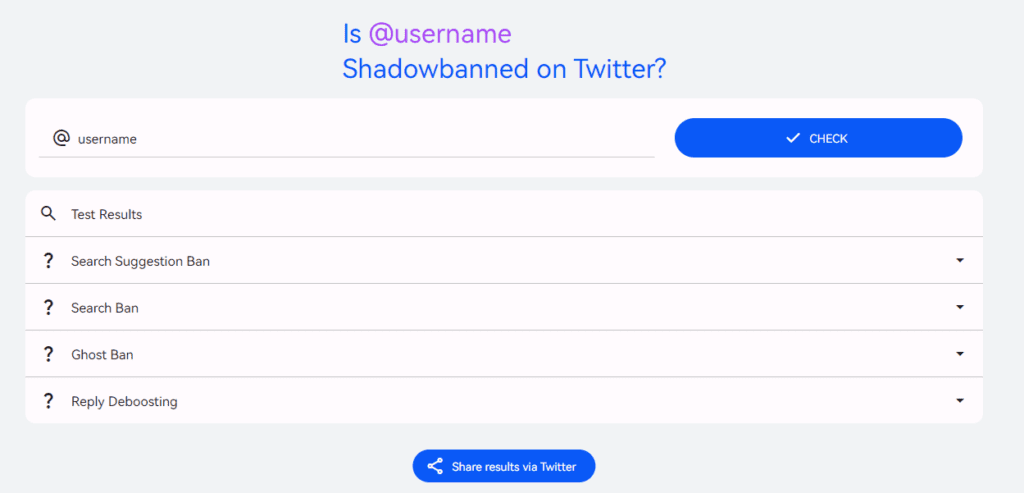
Hisubway is one of the simpliest tools. It provides a deeper breakdown of visibility restrictions compared to many basic tools. It analyzes multiple shadowban types, including:
- Search ban
- Ghost ban (replies hidden)
- Suggestion ban
- Thread visibility issues
The interface shows detailed results for each category, which helps marketers understand exactly what kind of limitation is affecting performance.
Because it focuses on technical visibility testing, this tool is useful when engagement drops suddenly and you need a more precise diagnosis.
Why use it:
Best for identifying the specific type of shadow restriction.
2. Circleboom Twitter
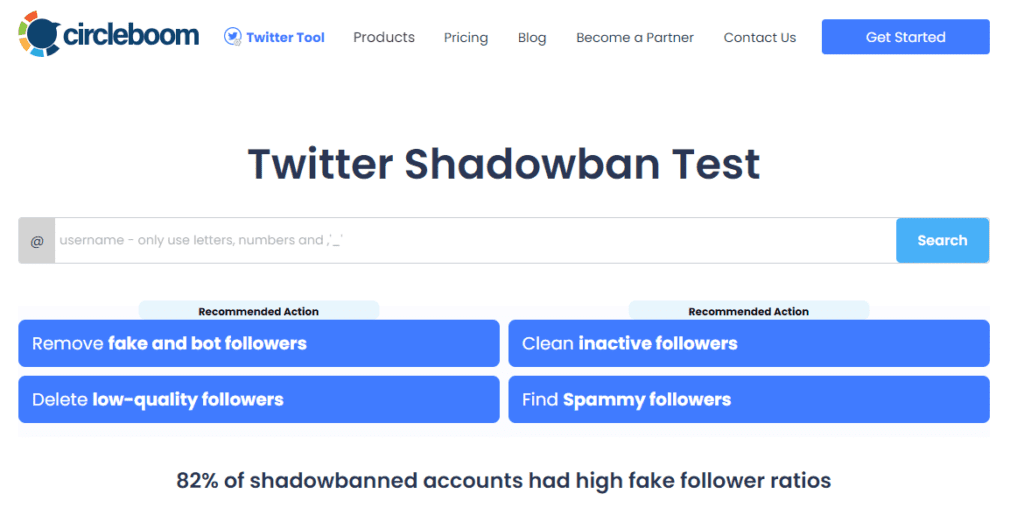
Circleboom is a full Twitter management platform that includes account analytics, follower insights, and content performance tracking. Fortunately, there is also free shadowban checker as well!
While it’s not a dedicated shadowban checker, it helps identify shadowban-like symptoms such as:
- Sudden drops in impressions
- Decreased engagement rates
- Follower loss patterns
- Content performance anomalies
The dashboard is modern and data-focused, making it useful for marketers running long-term campaigns. If your reach declines without obvious reasons, Circleboom helps confirm whether the issue is visibility-related.
Why use it:
Best for marketers who want shadowban detection combined with ongoing performance analytics.
3. Spikez
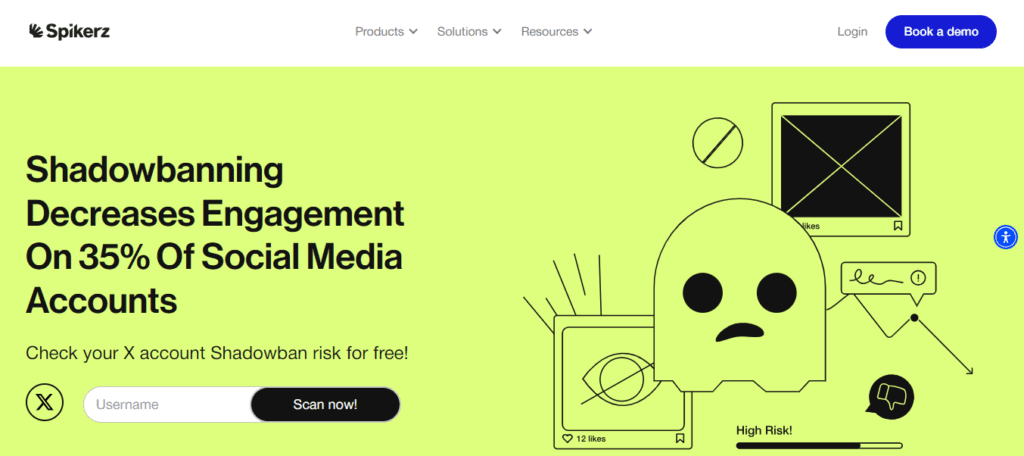
Spikez is greate resource when it comes to quick shadowban checkers. Just paste the link n your profile!
Spikez also offer:
- Account takeover protection
- Impersonator takedown
- Phishing protection
- Comment Moderation
For marketers, this tool is useful when diagnosing whether a drop in engagement comes from audience behavior or platform filtering.
Why use it:
Best for diagnosing shadowban impact through engagement analysis.
4. Postel
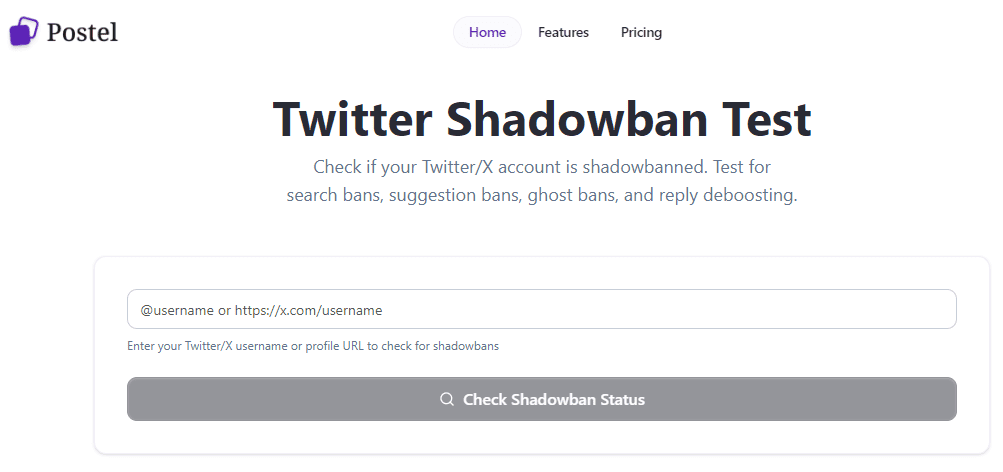
Postel is also rather simple tool. It provides the posibility of checking if your profile has shadowban status.
The interface is very simple, wich is convinient for anyone, who want a quick simple check without in-depth analysis.
The tool provides you with information on:
- Search Ban.
- Search Suggestion Ban
- Ghost Ban
- Reply Deboosting
Why use it:
Best for identifying the specific type of shadow restriction.
5. Followerwonk
This is one of more complex options, that is used for bigger, long-term tasks. Followerwonk is primarily an audience analysis tool, but it can indirectly help detect shadowban effects.
If your tweets are reaching fewer users or engagement drops significantly across your audience segments, the tool’s analytics will highlight the change. It also helps track follower growth patterns and audience activity.
The interface is simple and research-oriented, making it useful for agencies and growth teams.
Why use it:
Best for understanding audience-level impact of reduced visibility.
How to Interpret Shadowban Results
Not every drop in engagement means a shadowban. Consider these factors:
- Algorithm changes affecting reach
- Content relevance or timing
- Audience fatigue
- Seasonal activity patterns
If multiple tools confirm search or reply filtering, and engagement drops at the same time, the account is likely experiencing visibility restrictions.
How to reduce the risk of shadowbans
From a marketing perspective, the safest strategy focuses on natural behavior:
- Avoid posting identical content across accounts
- Reduce aggressive automation
- Space out replies and engagement actions
- Use relevant hashtags only
- Maintain consistent but moderate posting frequency
- Avoid operating multiple accounts from identical environments
For teams managing several profiles, separating sessions, IPs, and browser environments can also help reduce platform risk signals.
Conclusion
Shadowbans on Twitter (X) don’t come with warnings, but their impact on reach and campaign performance can be significant. Regular monitoring is essential, especially for marketers managing growth strategies, automation, or multiple accounts.
Using the best tools to check shadowban on Twitter allows you to spot problems early, adjust your strategy, and keep your content visible where it matters most.
Frequently Asked Questions
How do I know if I was shadowbanned on Twitter?
You may notice a sudden drop in impressions, likes, replies, or follows without changing your posting habits. Your tweets might not appear under relevant hashtags or in search results for other users. Another common sign is that only your followers can see or interact with your posts, while non-followers cannot easily find them.
How do I tell if I've been shadowbanned on Twitter?
Log out or use an incognito/private browser window and search for your username and recent tweets. Also check whether your tweets appear under hashtags you used. If they don’t show up publicly but are visible when you’re logged in, your account may have limited visibility. You can also ask someone who doesn’t follow you to search for your account and posts.
How to tell if a tweet is shadowbanned?
Search the exact text of the tweet (or a unique phrase from it) while logged out. Check the “Latest” tab in search results. If the tweet doesn’t appear there but shows when you’re logged in, that specific tweet may have reduced reach. Also check the tweet’s analytics to see if impressions are unusually low compared to your typical performance.
How do I check if I have a shadowban?
Besides manual searches, check your account status under Settings → Privacy and safety. Look for notices about rule violations or limited functionality. If you’ve received warnings about spammy behavior, abusive content, or policy violations, your reach may be temporarily restricted. There’s no official “shadowban” label, but visibility limitations usually correlate with policy flags.
Do hashtags still work if shadowbanned?
If your account or tweet has reduced visibility, hashtags may not expose your content to non-followers in search or trending feeds. Your followers will still see your posts, but hashtag discovery may be limited until the restriction is lifted.
Can a shadow ban be removed?
Yes, in many cases it’s temporary. If the limitation is due to automated spam detection, it often resolves on its own within a few days if you stop the triggering behavior. If it’s due to a rule violation, you may need to delete offending content or complete an appeal through the platform.
Do Twitter shadowbans go away?
Most temporary visibility limits expire automatically after a short period, especially if they were triggered by rapid following/unfollowing, repetitive posting, or duplicate content. More serious or repeated violations can lead to longer restrictions or permanent suspension.
Who decides who gets shadowbanned?
Visibility filtering is typically handled by automated systems that detect spam, abuse, or policy violations. In some cases, human moderators review reports or appeals and apply or lift restrictions according to platform rules.
How to avoid a shadow ban?
Follow the platform’s rules, avoid spammy behavior such as mass following or repetitive posts, don’t use misleading or banned hashtags, and avoid abusive or harmful content. Keep engagement authentic and avoid automation tools that violate terms of service.
How to lift search ban on Twitter?
If your account is restricted in search results, first check for policy violations and remove problematic tweets. Stop any behavior that could be flagged as spam. Then wait for the temporary restriction to expire or submit an appeal through account settings if you believe it was applied in error. Consistent rule-compliant activity is usually the fastest way to restore normal visibility.