

Knowing how to watch TikTok anonymously is more useful than most people expect. Dozens of tools let you watch TikTok without an account, similar in concept but different in what they actually do well. Some are built for downloading videos, others for engagement analysis, others purely for silent anonymous browsing. For deeper workflows, cloud phones and antidetect browsers take things a step further. This guide covers eight popular options so you can pick the right one without testing each yourself.
TL;DR
You can watch TikTok anonymously online using free third-party viewer tools with no login required. None of them access private accounts. Before any session, check what your connection reveals at whoerip.com since your IP address and browser fingerprint are visible even without logging in. Also useful: how to hide your IP and how to bypass a TikTok ban. Full comparison table and scores below.
Quick Reference: All Tools at a Glance
| Tool | Main Use | Video Download | Analytics | Private Accounts |
|---|---|---|---|---|
| TikTok Web | Safe anonymous browsing | No | No | No |
| TikVib | Download + basic stats | Yes, no watermark | Basic | No |
| Claptik | Spot top videos by views | Yes, no watermark | Basic | No |
| TikViewr | Bulk download full profile | Yes, no watermark | Almost none | No |
| Claptools | Hashtags + captions research | Yes, no watermark | ER + country | No |
| Countik | Recent post engagement | Yes (from table) | Strong, recent only | No |
| Urlebird | Trend browsing | Yes | Minimal | No |
| SnapTik | Single video quick save | Yes, no watermark | None | No |
| sssTik.io | Anonymous profile + story view | No | None | No |
| Trollishly | Quick profile lookup | No | Minimal | No |
Why People Want to Know How to Watch TikTok Anonymously
Learning how to watch TikTok anonymously is rarely about hiding anything sketchy. Marketers research competitors without alerting them. Parents monitor what their teenagers post without creating an account. Journalists track trends without personalizing their feeds. Ordinary users simply want to browse without TikTok’s algorithm learning their preferences from a single scroll session.
The mechanism behind all third-party viewer tools is straightforward: the tool’s server sends the request to TikTok on your behalf. TikTok sees the tool’s IP address, not yours. Your identity stays out of TikTok’s logs entirely.
FYI: Even browsing TikTok’s own website without logging in still exposes your IP address and browser fingerprint to TikTok’s servers. Before any research session, check what your connection reveals at whoerip.com since it takes under a minute and shows exactly what data your IP address broadcasts about you. Also useful: why your IP location might look wrong and how to detect IP leaks.
One hard limit applies to every tool in this guide without exception: private accounts are inaccessible. Any website claiming otherwise is running a scam or distributing malware.
TikTok Web (tiktok.com)
Score: 6/10
The most overlooked option is TikTok’s own website visited without logging in. Open tiktok.com in an incognito window, stay logged out, and you can browse public profiles, watch videos, and read comments — no account, no app, no extension required.
Pros:
- Zero risk of third-party malware or aggressive ads
- Full interface including comments, search, and stories
- No extensions or installs needed
Cons:
- TikTok still logs your IP address and device fingerprint
- No video downloads, no analytics
- Increasingly pushes login prompts during browsing
Verdict: Safe and reliable for casual anonymous browsing, but not truly private. Pair with an incognito window and check your IP exposure at [whoerip.com] first. We recommend it as a starting point, not a complete privacy solution.
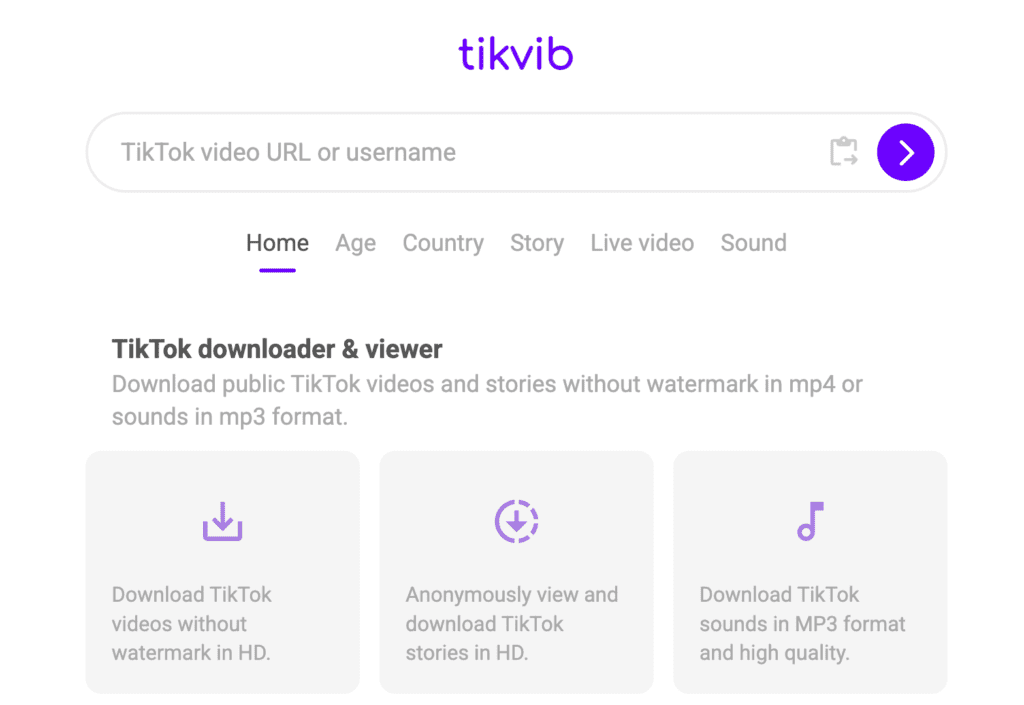
TikVib
Score: 7.5/10
TikVib is a solid all-rounder for anyone who needs to watch TikTok anonymously online and also wants to save video files. Paste a profile link, get a full grid of public videos with individual stats, and download as MP4 or MP3 with no watermark. There is also an “estimated account value” tab — directionally interesting, mathematically rough.
Pros:
- Clean watermark-free downloads (MP4 and MP3)
- Per-video stats: views, likes, shares, saves
- Minimal setup: paste link, get results
Cons:
- No comment visibility
- Estimated earnings are guesswork, not official TikTok data
- Ad tracking possible — use an ad blocker
Verdict: One of the most practically useful tools for competitive content research. We recommend it for anyone who needs both anonymous viewing and clean video downloads in one place.
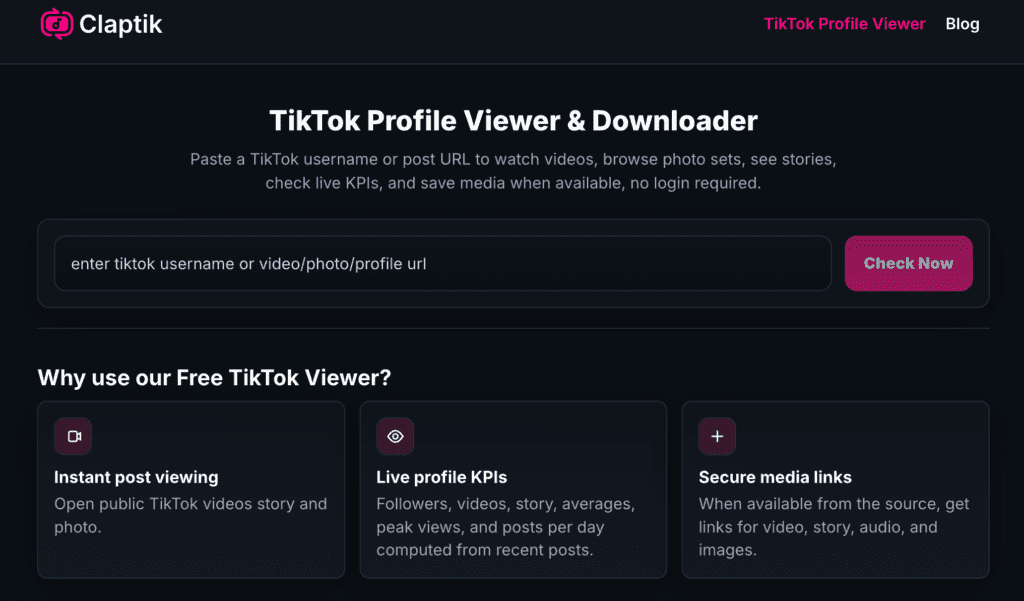
Claptik
URL: https://claptik.com
Score: 7.5/10
Claptik solves a specific problem unusually well: view counts appear directly on each video thumbnail in the grid. No need to open individual videos to find out what performed. Paste a username, and the most-watched content is immediately obvious. Average likes, comments, and posts per day are shown in a clean summary panel.
Pros:
- View counts visible directly on the video grid — huge time saver
- Clean MP4 and MP3 downloads
- Fast, modern interface
Cons:
- Photo carousels require downloading one image at a time — no batch option
- No comment data
- Metrics are estimates, not official figures
Verdict: The fastest tool for spotting which videos actually perform on a competitor’s profile. We recommend it for content research, with the caveat that carousel-heavy profiles are frustrating to work with.
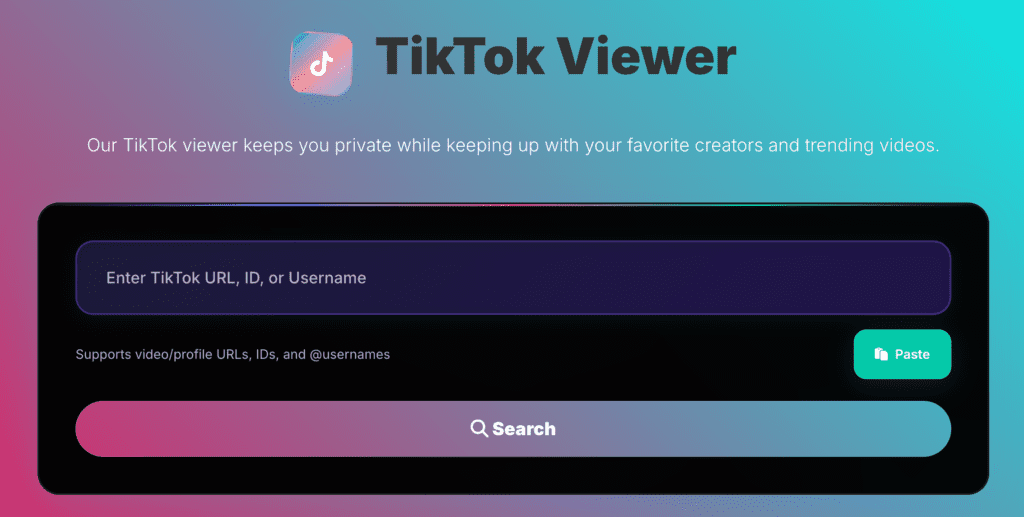
TikViewr
URL: https://tikviewr.com
Score: 6/10
TikViewr has one genuinely unique feature: a “Download All Videos” button that pulls an entire profile’s public video library in one click. Everything else is thin. View counts are hidden. Analytics are minimal. Files land in your downloads folder named “tiktok-undefined (1)”, “tiktok-undefined (2)”, and so on — requiring manual renaming if you download in bulk.
Pros:
- Bulk download of an entire profile in one click
- Clean MP4 files, no watermark
- No login or account required
Cons:
- View counts not shown — unusual gap for a research tool
- Downloaded files have generic auto-generated names
- Free tier capped at 10 searches per day
Verdict: Excellent for one narrow use case: archiving a creator’s full video library quickly. For anything involving engagement analysis, use a different tool. Conditionally recommended — useful if bulk downloading is your actual goal.
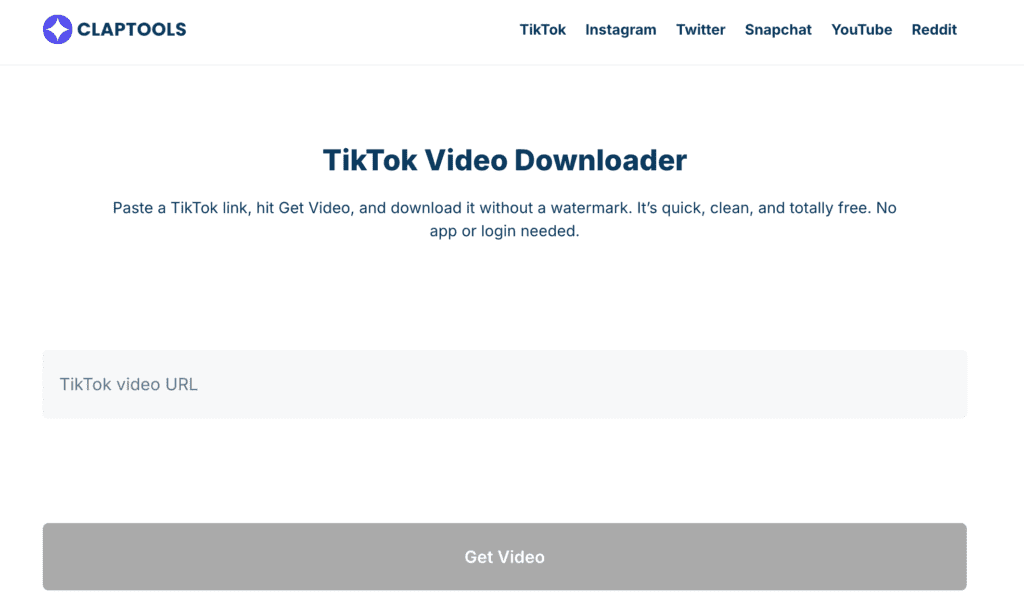
Claptools (Viewer + Analytics)
URL: https://claptools.com/download-video-tiktok/
Score: 7/10
Claptools runs as two separate pages: Profile Viewer and Profile Analytics. The viewer shows full video captions and hashtag lists alongside each post — genuinely rare in the free tier. The analytics page adds Engagement Rate, estimated earnings, and a country breakdown of the creator’s audience.
Pros:
- Full captions and hashtags visible per video
- Country audience data and basic ER estimates
- Watermark-free downloads available
Cons:
- Two-page experience feels disjointed
- Photo carousels often fail to render
- All metrics are estimates
Verdict: Best free option for studying how competitors write captions and use hashtags. We recommend it for hashtag and copywriting research, less so for pure analytics.
Countik
URL: https://countik.com
Score: 7.5/10
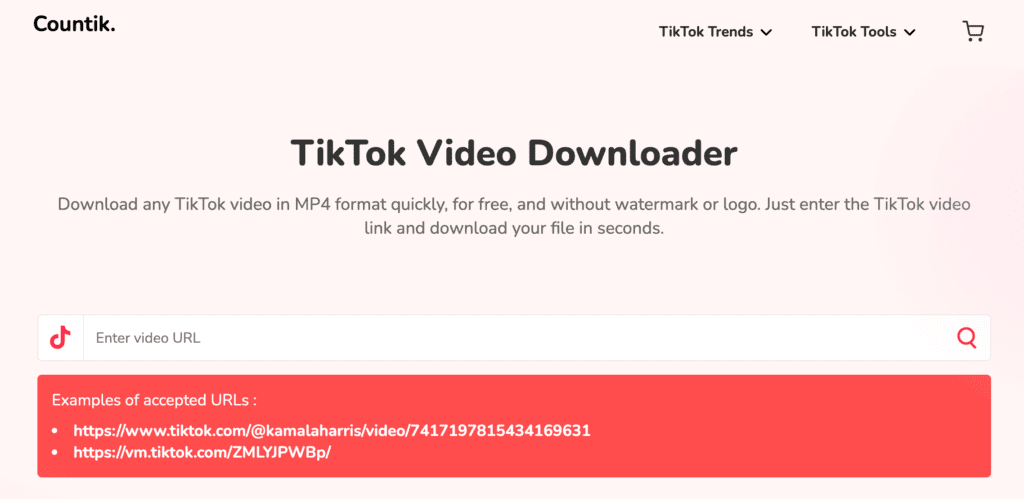
Countik is less of a viewer and more of an analytics dashboard. It shows an Engagement Rate chart across the last ~13 posts, a hashtag frequency breakdown, and a per-video performance table. From that table you can also download individual videos. The limitation is access depth: only recent posts are analyzed, historical content is out of reach.
Pros:
- ER chart across recent posts — easy to spot which videos worked
- Hashtag frequency analysis is genuinely useful
- Per-video ER visible at a glance
Cons:
- Recent posts only, no historical archive
- Not a traditional viewer — no browsable video grid
- Metrics based on public data, not internal TikTok figures
Verdict: The strongest free tool for understanding recent engagement trends. We recommend it for anyone analyzing what is working for a creator right now.
Urlebird
URL: https://urlebird.com
Score: 6/10
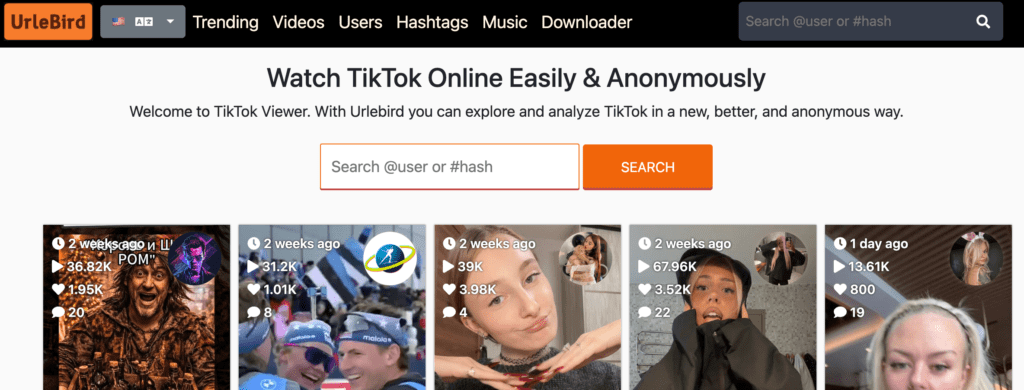
Urlebird has been around longer than most tools on this list. The focus is on browsing experience: profiles, videos, trending hashtags, songs, and stories — all accessible without a TikTok account. Analytics are shallow but the browsing is clean and the service has a consistent track record.
Pros:
- Trend discovery built in (trending hashtags, songs)
- Stories viewable anonymously
- Long-established service with consistent availability
Cons:
- Very limited analytics — not suitable for research
- Pop-up ads are possible without an ad blocker
- No meaningful engagement data per video
Verdict: Fine for casually browsing TikTok content anonymously without any research intent. Recommended for casual browsing, not for competitive analysis.
SnapTik
URL: https://snaptik.app
Score: 5.5/10
SnapTik does one thing: paste a single video link, get a watermark-free MP4 back. Fast, clean, no friction. Not a profile viewer, not an analytics tool. Just a download utility for individual videos.
Pros:
- Very fast single-video download
- No watermark on saved files
- Works on mobile and desktop
Cons:
- Single video links only — no profile browsing
- No stats, no engagement data
- No use for systematic research
Verdict: Useful in a narrow context — saving one specific video quickly. Recommended only for that specific use case.
sssTik.io and Trollishly
Score: 5.5/10 each
URLs: https://ssstik.io and https://www.trollishly.com/
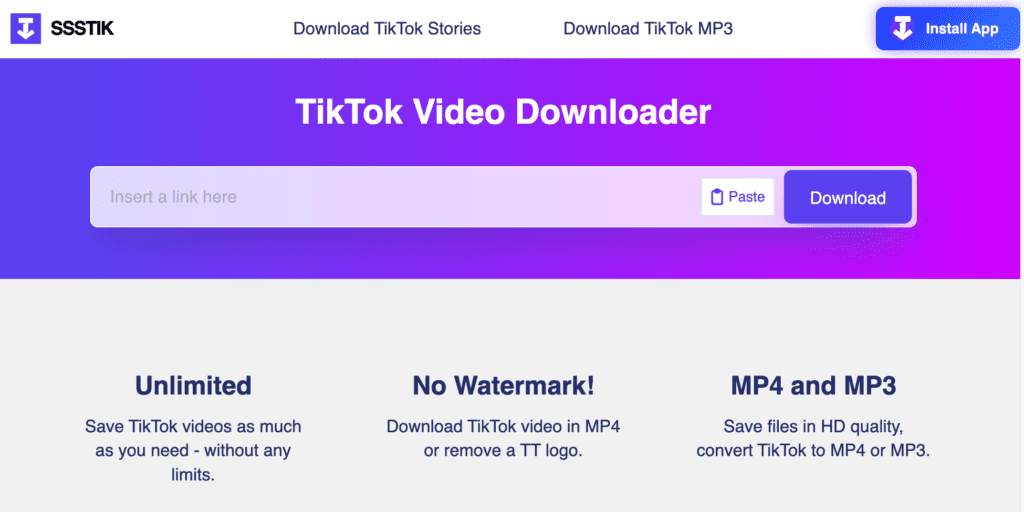
Both tools lean into the pure anonymity angle without offering downloads or meaningful analytics. sssTik.io works as a profile, story, and video viewer with one notable advantage: it functions in countries where TikTok is blocked, no VPN required. Trollishly offers an even simpler profile lookup — followers, bio, basic numbers, nothing more.
Pros (sssTik.io):
- Works where TikTok is geo-restricted
- Stories and carousels viewable
- No data collection, no login
Cons (sssTik.io):
- No downloads
- No analytics
Pros (Trollishly):
- Extremely lightweight and fast
- Good for quick one-off profile checks
Cons (Trollishly):
- No downloads
- Almost no data beyond follower count
Verdict: sssTik.io is recommended for users in restricted regions. Trollishly is fine for the quickest possible anonymous profile check, but offers little beyond that.
How to Stay Safe Using Third-Party Viewers
Most free viewer tools are ad-supported. Some are aggressively so. Two basic steps eliminate most of the risk: run an ad blocker and use private/incognito browsing mode. Both together take thirty seconds to set up and prevent cookie tracking and ad redirect scripts from running.
Never enter your TikTok login credentials on any third-party site!
No viewer tool needs your password for any legitimate purpose whatsoever.
For more sensitive use cases: competitive intelligence, journalism, anything where your identity actually matters the viewer tool itself can still see your IP address and browser fingerprint even if TikTok cannot.
Check what you are broadcasting before you start at whoerip.com.
Pro tip: For serious research sessions, combine a viewer tool with a clean VPN connection and a fresh private browser window. The viewer tool sees the VPN’s IP rather than your real one. That is as close to fully anonymous as free tools get!
Final Comparison: Scores and Recommendations
| Tool | Score | Recommend? | Best For |
|---|---|---|---|
| TikTok Web | 6/10 | As a starting point | Safe casual browsing |
| TikVib | 7.5/10 | Yes | Downloads + per-video stats |
| Claptik | 7.5/10 | Yes | Spotting top videos fast |
| TikViewr | 6/10 | Conditionally | Bulk profile archiving |
| Claptools | 7/10 | Yes | Hashtag + caption research |
| Countik | 7.5/10 | Yes | Recent engagement analysis |
| Urlebird | 6/10 | For casual browsing | Trend discovery |
| SnapTik | 5.5/10 | For one use case | Single video downloads |
| sssTik.io | 5.5/10 | In restricted regions | Anonymous viewing |
| Trollishly | 5.5/10 | Quick checks only | Fast profile lookup |
Conclusions
Watching TikTok anonymously online works well in 2026 for public content. The right tool depends entirely on what you need: Claptik or Countik for engagement research, TikViewr for bulk archiving, Claptools for hashtag analysis, TikVib as a reliable all-rounder. For purely passive browsing without research intent, Urlebird or sssTik.io cover the basics cleanly.
Private accounts remain inaccessible. That limit is absolute.
Frequently Asked Questions
Can I watch TikTok anonymously online without creating an account?
Yes. Every tool covered in this guide works with no TikTok account, no registration, and no personal information required. Just paste a username or video link and browse.
Will the TikTok creator know I watched their video?
No. Third-party viewer tools send requests through their own servers, not your device. Your profile never appears in the creator's analytics or viewer list.
Can any tool show me private TikTok profiles?
No. Private accounts are inaccessible to every viewer tool without exception. Any website claiming otherwise is a scam or distributing malware. Close the tab immediately if you see that promise.
Is it legal to watch TikTok through third-party viewers?
Viewing publicly available content is legal in most countries. Issues arise only when downloaded content is re-uploaded or monetized without the creator's permission.
Which tool is best for competitor research?
Claptik for spotting top-performing videos at a glance. Countik for recent engagement trends and hashtag frequency. Claptools if captions and hashtag strategy are your focus. TikVib as a reliable all-purpose starting point.
Do these tools work on mobile?
Yes. All browser-based tools in this guide work on mobile. Open them in a private browser window for the cleanest and safest experience.
Are third-party TikTok viewers safe to use?
Generally yes, with basic precautions: use an ad blocker, browse in incognito mode, and never enter your TikTok login credentials on any third-party site. Before any session, check what your IP and browser reveal at whoerip.com.