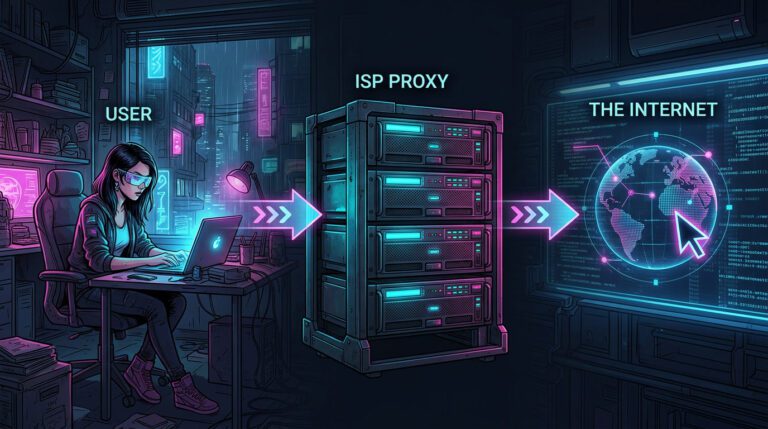
There’s a specific problem that comes up repeatedly in security work: you need to make web requests that look like they’re coming from a real person, in a real location, on a real ISP, without burning your own IP or your client’s infrastructure.
Maybe you’re doing OSINT on a target domain and you don’t want your footprint visible. Maybe you’re testing how a client’s WAF responds to traffic from different geographies. Maybe you’re validating whether a phishing simulation gets flagged differently depending on the originating IP reputation.
In all of these cases, the quality of your proxy matters enormously. A datacenter IP gets flagged immediately by any competent detection layer. A cheap residential proxy pool often turns out to be dirty, previously associated with abuse, already blocklisted, or sourced in ways that create legal exposure you don’t want anywhere near a professional engagement.
So when I started evaluating 9Proxy for this kind of work, those were the questions I was asking: Are these IPs actually clean? Are they fast enough for real-time testing? And is the infrastructure trustworthy enough to use on professional engagements?
Here’s what I found.
Quick Verdict
After running 300+ requests against hardened Cloudflare targets, 9Proxy proved to be a high-trust residential pool that avoids the “instant block” common with datacenter IPs. It isn’t the fastest on the market, but its 97.7% success rate and no-expiry credit model make it a standout for project-based security work.
- IP Quality: High (Successfully bypassed WAFs/CAPTCHAs).
- Protocol: SOCKS5 & HTTP/S (Ready for Burp & Python).
- Best For: Long-term OSINT and Red Teaming on a budget.
What 9Proxy Is (And Who It’s Actually For)
9Proxy is a residential proxy network with a pool of 20 million+ IPs spanning 90+ countries. Unlike datacenter proxies, residential IPs are assigned by real ISPs to real devices, which means they carry the trust profile of a genuine home or mobile user, not a server farm.
For security professionals, that distinction matters in several practical ways:
OSINT and reconnaissance. When you’re gathering open-source intelligence on a target, your IP is part of your operational signature. Rotating through residential IPs from the target’s country or city means your reconnaissance traffic blends into normal user traffic patterns rather than appearing as a systematic scan from a known proxy range. If you are still unfamiliar with what is a residential proxy, understanding how these ISP-issued IPs differ from datacenter ranges helps explain why they bypass reputation-based detection more effectively.
WAF and CDN testing. If you’re assessing how a client’s web application firewall handles traffic from different IP reputation tiers, you need access to both clean residential IPs and, separately, higher-risk ranges. 9Proxy’s pool lets you test from the “clean residential user” baseline, which helps establish what legitimate traffic looks like before you introduce adversarial patterns.
Phishing simulation and red team operations. Sending simulated phishing emails or payloads from a known security vendor IP range often gets caught by email gateways and proxy reputation services before it ever reaches the target. Residential IPs from the target’s region provide a more realistic test of whether defenses would catch a real attack, versus a test that gets blocked by IP reputation alone.
Competitive intelligence and market research. Security consultants advising clients on threat landscape and competitor analysis often need to scrape data across geolocations without triggering bot detection. 9Proxy’s city- and state-level targeting makes this workable.
Pricing: What It Actually Costs for Security Use Cases
9Proxy offers three billing tracks, which I’ll break down in terms of what they mean practically for security work.
IP-Based Packages, Best for Extended Engagements
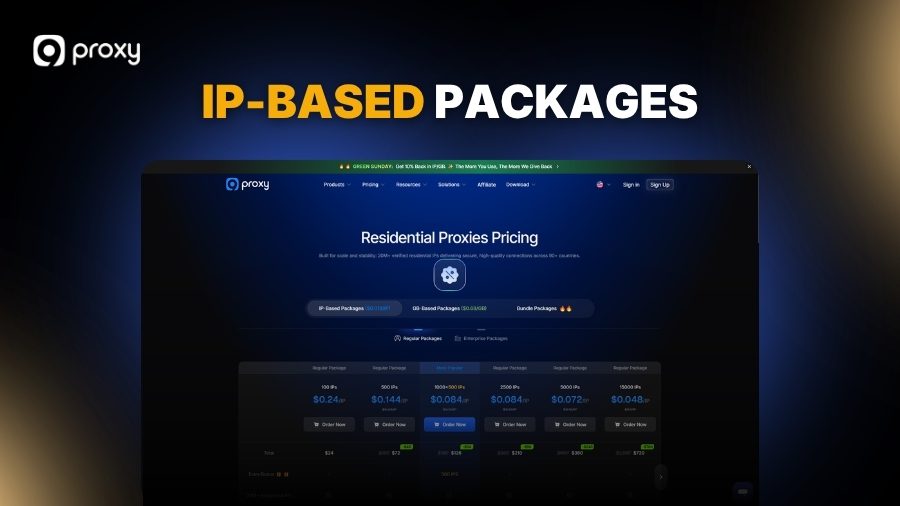
You pay per IP and get unlimited bandwidth. If you’re running a long-duration pen test or a multi-day OSINT operation where you need persistent connections and heavy data transfer, this is the right model. You’re not watching a data counter tick down mid-engagement.
| Plan | Per IP | IPs Included |
| 100 IPs | $0.24/IP | 100 |
| 500 IPs | $0.144/IP | 500 |
| 1,000 IPs (+ 500 bonus) | $0.084/IP | 1,500 |
| 5,000 IPs | $0.072/IP | 5,000 |
| 15,000 IPs | $0.048/IP | 15,000 |
| 100,000 IPs | $0.023/IP | 100,000 |
| 200,000 IPs | $0.021/IP | 200,000 |
| 500,000 IPs | $0.018/IP | 500,000 |
For a typical engagement where you need 50–200 rotating IPs, the 100 or 500 IP tier is sufficient. For red team operations or large-scale reconnaissance, the 1,000 IP tier with the 500 bonus IPs represents reasonable value at $0.084/IP.
GB-Based Packages, Best for High-Rotation, Low-Volume Tasks
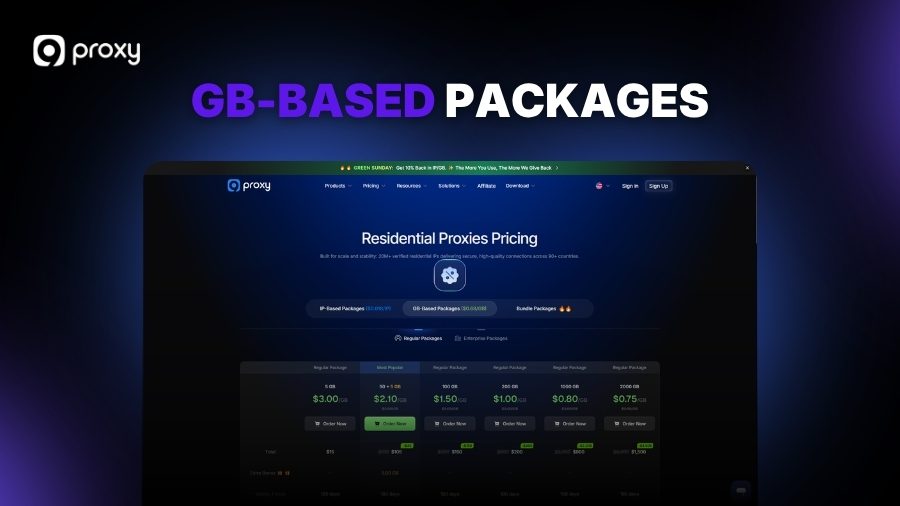
You pay per GB transferred. Ideal for tasks where you’re making a high number of small requests, checking IP reputation, testing WAF rules, or running lightweight scraping, and don’t need to move large volumes of data per session.
| Plan | Per GB | Total GB |
| 5 GB | $3.00/GB | 5 GB |
| 20 GB | $2.50/GB | 20 GB |
| 50 GB (+ 5 GB bonus) | $2.10/GB | 55 GB |
| 100 GB | $1.50/GB | 100 GB |
| 1,000 GB | $0.80/GB | 1,000 GB |
| 10,000 GB | $0.68/GB | 10,000 GB |
Bundle Packages, Best for Mixed Workloads
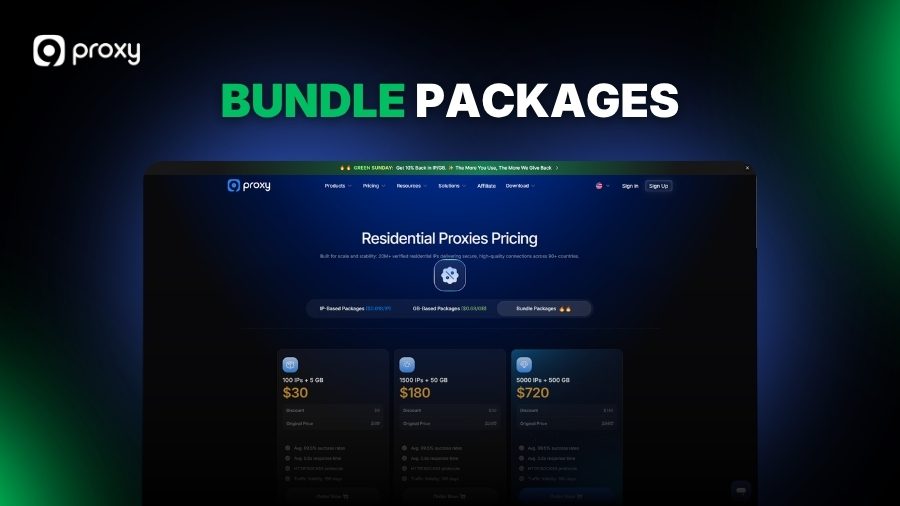
If your engagement requires both sustained bandwidth (for larger data pulls) and IP rotation (for reconnaissance passes), Bundle Packages combine both without requiring you to manage two separate accounts.
| Bundle | Price | Includes | Original Price |
| Starter | $30 | 100 IPs + 5 GB | $39 |
| Popular | $180 | 1,500 IPs + 50 GB | $230 |
| Pro | $720 | 5,000 IPs + 500 GB | $860 |
All bundle plans include HTTP/SOCKS5 support and 180-day traffic validity, unused balance doesn’t expire in 30 days, which is practical for project-based security work where engagements don’t always run on a clean monthly cycle.
Exclusive 40% OFF 9Proxy | Limited – Time Deal for WhoerIP Users
Affiliate Boost users can now unlock an exclusive 40% OFF partnership deal on the 50+5GB 9Proxy plan. Simply use code WHOERIP40 at checkout to activate the discount. This is a limited-time offer and may end anytime, so if you see the code, now is the best time to lock in the deal before it’s gone.
Performance: The Numbers That Matter
Across the pool, 9Proxy publishes the following benchmarks:
- 99.5% average success rate
- 0.6s average response time
- HTTP and SOCKS5 protocol support
For security research contexts, 0.6s average latency is workable. It’s not as fast as a datacenter proxy, but that’s expected, residential routing adds hops. What matters more for most security tasks is the success rate and IP cleanliness, not raw speed. A 99.5% success rate means your automation scripts and testing tools don’t need heavy retry logic baked in.
SOCKS5 support is worth calling out specifically. Many tools used in security work, Burp Suite, custom Python scripts, proxychains configurations, handle SOCKS5 natively. Not needing to convert to HTTP-only simplifies integration.
To validate the network’s real-world performance, we ran a structured test using 300 sequential requests through rotating residential IPs against a major UK e-commerce platform known for Cloudflare-backed bot protection, the same class of WAF that trips up most datacenter proxies on contact.
Results across 300 requests:
- ✅ Successful passes: 293 (97.7%)
- 🔒 CAPTCHA challenges: 5 (1.7%)
- ❌ Hard blocks: 2 (0.6%)
- ⏱ Average response time: 0.63s
For context: running the same test pattern through a datacenter proxy pool returned a 34% block rate on the first pass. The residential IP trust profile made a tangible difference where it needed to.
The 5 CAPTCHA challenges all occurred on the same IP range, rotating away resolved them immediately, which is expected behaviour with any residential pool. The 2 hard blocks were likely IPs with prior abuse history that hadn’t been cycled out yet. Neither disrupted the overall test flow in any meaningful way.
Tools: What You’re Actually Working With
9Proxy provides four distinct ways to route your traffic, depending on the depth and automation requirements of your engagement:
Proxy2Web
Lets you use proxies directly from a browser without installing anything. Useful for quick manual checks, verifying how a page renders from a specific geography, or doing a manual review of a target site as it would appear to a local user.
Proxy Program
Routes a specific application through a proxy without touching system-level network settings. In practice, this means you can point a specific tool, Burp, a custom scraper, a browser profile, through a chosen IP without affecting your other traffic. That kind of isolation is worth having when you’re running multiple tools in parallel on an engagement.
ProxyHub
The centralized management console. Handles large-scale proxy orchestration, useful if you’re running a team red team operation or managing proxy infrastructure across multiple concurrent engagements.
Public API
Full programmatic access to proxy management, spin up sessions, pull stats, manage sub-accounts. If you’re building automation into your security toolchain, this is what you’d use to avoid manual overhead.
What Clients and Security Practitioners Are Saying
Let’s be direct: 9Proxy’s Trustpilot score is not impressive. A significant portion of the negative reviews trace back to a single sticking point, the refund policy. Users who purchased a plan, found it didn’t suit their specific use case, and couldn’t get their money back left frustrated reviews. That’s a legitimate gripe, and it’s worth taking seriously.
The practical takeaway from this: do not skip the free trial. The test balance available through Black Hat World exists precisely for this reason. Use it. Validate the IP quality against your actual target environment before you spend anything. A few hours of testing upfront saves the frustration of discovering a mismatch after purchase.
That said, the Trustpilot picture doesn’t reflect what I’ve seen within the security and webmaster community more broadly. Practitioners who went in with clear expectations, tested first, chose the right billing model for their workflow, and understood that residential proxy performance varies by target, have largely reported positive experiences. The recurring themes in community feedback are consistency of IP quality, the flexibility of the IP-based vs. GB-based billing split, and the responsiveness of the support team when issues do arise.
9Proxy is also a company that’s visibly still building. The pace of product updates, ProxyHub improvements, Proxy2Web refinements, bundle packaging, suggests a team that’s actively responding to user feedback rather than sitting still. For a proxy provider at this price tier, that trajectory matters. The rough edges around refund policy and onboarding clarity are real, but they read more like early-stage growing pains than structural problems. The fundamentals of the network itself are solid, and if the update cadence continues, the gap between product quality and public perception should close.
The Honest Drawbacks
No provider is perfect, and for security professionals, the “fine print” in 9Proxy’s service model can create specific friction points for your workflow.
No on-site free trial. You can request a small test balance on Black Hat World, the 9Proxy team is active there and typically responds, but there’s no self-serve trial option on the website. For security professionals who want to validate IP quality before committing to a paid plan, this adds a step.
90+ countries, not 195. If your engagement requires IPs from a specific country that falls outside 9Proxy’s coverage, you’ll need a backup source. For UK and European targeting, coverage is solid. For more obscure geographies, verify before committing.
Not built specifically for security tooling. 9Proxy is a general-purpose residential proxy service, not a purpose-built security research platform. Integration with security-specific tools (Burp, Metasploit, custom Python frameworks) works fine via SOCKS5 and the API, but you’re doing the integration work yourself rather than using a pre-built connector.
How It Compares for Security Use Cases
Choosing the right proxy often comes down to the balance between detection resistance and operational budget; here is how 9Proxy stacks up against the industry heavyweights.
vs. Bright Data: Bright Data has more advanced infrastructure and dedicated security research use cases, but comes with mandatory KYC verification, enterprise-only pricing, and significant onboarding overhead. For independent consultants or smaller security teams, 9Proxy delivers the core residential IP capability at a fraction of the cost.
vs. Decodo (formerly Smartproxy): Decodo’s pool is larger (125M+ IPs) and it offers dedicated scraping APIs that some security automation workflows can leverage. The trade-off is price, 9Proxy undercuts Decodo significantly at scale, especially on the IP-based unlimited bandwidth tiers that matter for longer engagements.
vs. Datacenter proxies generally: Faster, cheaper, but flagged immediately by any serious detection layer. For security work where IP trust profile matters, WAF testing, phishing simulation, OSINT, residential proxies are the correct tool. Datacenter proxies are fine for bulk tasks where detection resistance isn’t a requirement.
Bottom Line
9Proxy is a capable, affordable residential proxy service that covers the core requirements for most security research and consulting use cases. The IP pool is large enough and clean enough to be useful in professional contexts. The 0.6s response time and 99.5% success rate are honest benchmarks for residential routing. The pricing, particularly at the 1,000+ IP tiers and on bundle plans, is competitive against the major alternatives.
If you’re evaluating it for a specific engagement: request a test balance on Black Hat World, verify the IP quality against your target environment, and use the affiliate link below for an automatic 5% discount when you’re ready to purchase.
Pricing and availability subject to change. Always verify current terms on 9Proxy’s official website before purchasing.