
Android emulation on Linux is not one thing, it is several different approaches, from container based tools like Waydroid to full virtual machines like Genymotion. The right pick depends on whether you need app testing, gaming, automation, or just the occasional app that refuses to run on desktop. Below you will find seven tools compared, real performance notes, and a few privacy angles most guides skip entirely.
Running Android apps without an actual Android device is entirely doable on Linux. It just takes picking the right tool for the job, because “best” here really means “best for what you’re trying to do.”
Well structured comparisons save you hours of trial and error. That is the whole point of this piece.
Android emulation on Linux: what it is and how it works
Android emulation on Linux allows you to run Android apps or a complete Android environment without using a physical device.
There are three main approaches:
- Full emulation: Simulates an entire Android device, including virtual hardware and the boot process. It offers broad compatibility but usually requires more CPU and RAM.
- Container-based Android: Runs Android using the Linux kernel already installed on the system. This approach is faster and more efficient, but some apps may not work correctly.
- Cloud-based Android: Runs Android on a remote server and streams the interface to your device. It requires little local processing power but depends on a stable internet connection.
Understanding these differences helps you choose the right solution. A full emulator is useful for testing device behavior, while a container-based option is often better for running apps with minimal system overhead.
Why bother with Android emulation on Linux at all?
People turn to Android emulation on Linux mainly for app testing, development, automation, or running apps their phone simply cannot handle well.
Developers need it constantly. Testing an app across dozens of virtual screen sizes beats buying dozens of phones, obviously. QA teams rely on emulators to catch bugs before release. Then there is the automation crowd: people running scripted tasks across multiple Android instances, often for social media management, app farming, or bulk testing workflows. And plain old convenience matters too. Some mobile games and apps just feel better on a bigger screen with a keyboard and mouse.
Here’s a rough breakdown of who reaches for what:
- Developers want fast boot times and multiple API level support
- QA testers want snapshot and reset features for repeatable testing
- Gamers want performance and controller mapping
- Automation users want scriptability and low resource use per instance
- Casual users just want something that works without a manual
👉 If you’re running multiple instances at once for testing or automation, resource usage per instance matters more than raw speed. A tool that is blazing fast running one instance can choke badly running ten.
Anbox and Waydroid: the native Linux contenders
Waydroid and Anbox are the two tools built specifically to run Android natively on Linux using containers instead of full virtualization.
Waydroid is, frankly, the more actively maintained of the two right now. It runs a full Android system image in a container using LXC, sharing the Linux kernel rather than emulating hardware from scratch. That means it starts fast, feels responsive, and uses noticeably less RAM than a traditional emulator. The catch: it needs a compatible kernel with binder support, which most modern distros ship with, but not all of them out of the box.
Anbox came first and pioneered the container approach, though development has slowed compared to Waydroid. It still works on many distros, but app compatibility has fallen behind, and Google Play Services support was never great to begin with.
Neither one emulates ARM instructions on x86 hardware the way a traditional emulator does (unless you’re on ARM Linux, in which case things get even simpler). This is why they’re fast. It’s also why some apps built with unusual native libraries occasionally just refuse to run.
Best android emulators for Linux: full comparison table
If two or more tools can be compared directly, a table beats paragraphs every time. Here’s how the main options for Android emulation on Linux stack up.
| Tool | Type | Play Store Support | Best For |
| Waydroid | Container | Yes (with GApps setup) | Daily driver, dev testing |
| Anbox Cloud | Container | Limited | Lightweight legacy use |
| Genymotion | Virtual machine | Yes (business tier) | Professional QA and dev teams |
| Android Studio Emulator | Virtual machine | Yes | Official dev tooling |
| BlueStacks | Virtual machine | Yes | Gaming, casual use |
| Bliss OS | Live/installable Android x86 | Yes | Dual boot or full replacement |
Waydroid
Waydroid is a container-based solution that runs Android directly on the Linux kernel without emulating separate hardware. It is currently the most actively maintained tool in the container category, with faster startup times and smoother performance than traditional virtual machine-based emulators.
Pros:
- Fast startup and near-native performance
- Uses less RAM than virtual machine-based emulators
- The project is still actively updated
Cons:
- Does not include the Play Store by default, so GApps must be installed manually
- Requires specific kernel modules and may need additional manual configuration
Anbox Cloud
Anbox Cloud is a cloud-based Android platform developed by Canonical, the company behind Ubuntu. Unlike the original Anbox desktop project, Anbox Cloud is designed to run and manage Android instances at scale on private or public cloud infrastructure.
It is primarily aimed at enterprise use cases such as application streaming, automated testing, cloud gaming, and virtual mobile device services.
Pros:
- Supports large-scale deployment of Android instances
- Offers low-latency video streaming
Cons:
- More complex to deploy than desktop Android solutions
- Primarily intended for businesses and professional teams
Genymotion
Genymotion uses a virtual machine-based approach and is aimed more at professional users than casual users. Its business tier supports the Play Store, making it suitable for QA teams and developers who need a stable testing environment.
Pros:
- Supports multiple Android versions and a wide range of virtual device configurations
- Stable and suitable for enterprise environments
Cons:
- The full-featured version usually requires a paid plan
- Uses more system resources than container-based solutions
Android Studio Emulator
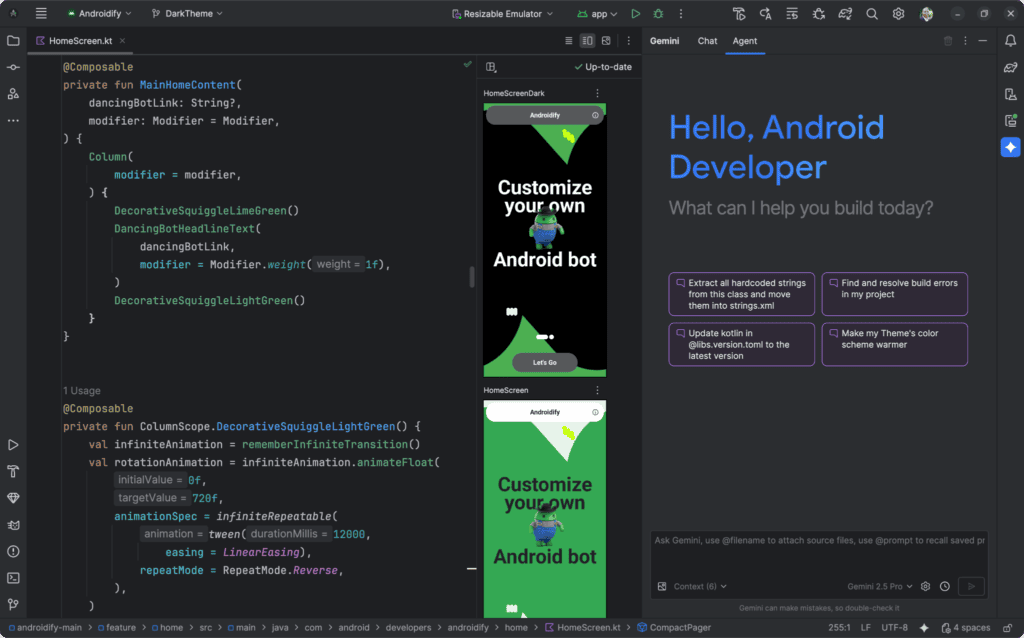
This is Google’s official emulator included with the Android development toolkit, so it provides the closest compatibility with Android APIs.
Pros:
- Supports all API levels and is updated alongside Android Studio
- Includes built-in debugging and snapshot tools
Cons:
- Starts more slowly than Waydroid
- Uses a significant amount of RAM when running multiple instances
BlueStacks
BlueStacks is one of the best-known names among gamers. It uses a resource-heavy virtual machine-based setup but offers strong graphics performance and gamepad support.
Pros:
- Strong graphics performance and keyboard mapping support
- User-friendly interface that is easy for beginners
Cons:
- Resource-intensive compared with container-based options
- Linux support is less polished than Windows support
Bliss OS
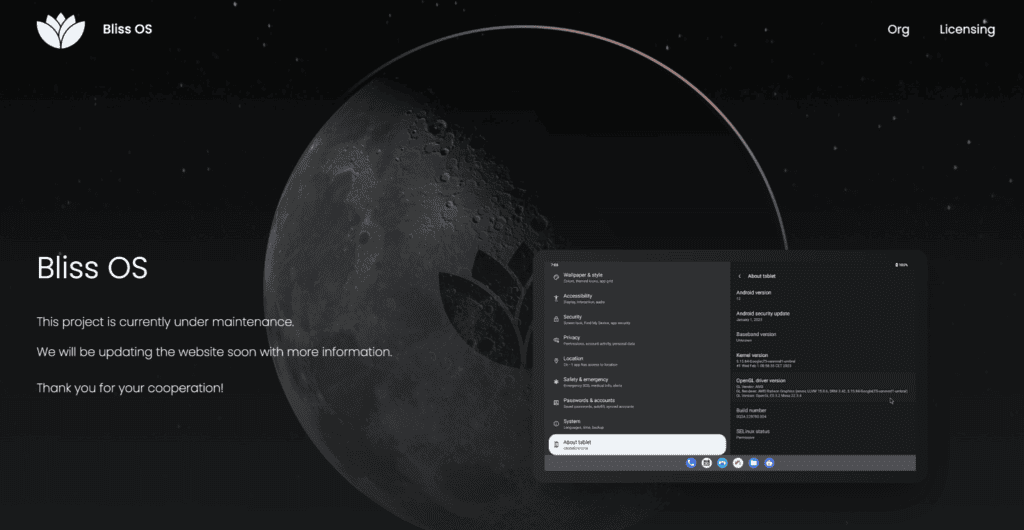
Bliss OS is not exactly an emulator in the traditional sense. It is an Android-x86 distribution that can be run as a live system or installed alongside Linux.
Pros:
- Provides an experience similar to using a real Android device
- Can be installed in a dual-boot setup or used as a full replacement system
Cons:
- Requires a separate disk partition and involves a more complex setup
- Less flexible than running Android alongside Linux through a container
How to choose the right tool for your use case
There is no single “best” Android emulator for Linux. There’s only the best one for what you’re actually trying to do.
If you’re a developer needing multiple API levels and clean snapshots, Android Studio’s built in emulator or Genymotion will serve you better than Waydroid, even if they’re heavier. If you just want to run everyday apps quickly without eating half your RAM, Waydroid wins easily. Gamers chasing frame rates and controller support tend to lean toward BlueStacks, despite it being one of the heavier options on this list. And if local resources are the bottleneck (an older laptop, limited storage, whatever the reason), cloud based options remove that problem entirely by running the Android instance somewhere else.
Worth reading if you’re on the fence about local versus remote: Why Do You Need Cloud Phones in 2026? walks through scenarios where skipping local emulation altogether just makes more sense.
Performance: Linux vs Windows emulation
Android emulation generally performs better on Linux than Windows for container based tools, but Windows still holds an edge for some VM based emulators with mature GPU driver support.
Here’s the honest version. Waydroid and Anbox exist because Linux’s kernel namespace and container features make lightweight Android containers possible in the first place, something Windows simply cannot replicate the same way. So for container based emulation, Linux wins outright, no contest. But flip that around for heavyweight VM emulators like BlueStacks: Windows has years of driver optimization behind it for these tools, and Linux support for some of them is either unofficial or nonexistent.
So which platform “wins”? Depends entirely on the tool. Annoying answer, but true.
Privacy and anti-detect considerations when emulating android
Running Android emulation on Linux for automation, multi-accounting, or testing brings a privacy angle that a lot of guides skip entirely: emulated devices can be fingerprinted just like browsers can.
Every emulator instance carries its own set of identifiers, device model strings, IMEI values, screen resolution, installed fonts, and dozens of smaller signals. Websites and apps that care about detecting bots or duplicate accounts look at exactly this kind of data. If you’re running several emulator instances for testing or account management, and they all share suspiciously identical fingerprints, that’s a red flag waiting to happen.
Before running anything sensitive through an emulated setup, it’s worth checking what your connection actually exposes. Whoerip.com is a free IP lookup tool that checks your IP reputation, DNS leaks, WebRTC exposure, and overall privacy score in one pass, useful context whether you’re testing apps or managing several accounts at once.
If your emulation work touches web scraping, automation, or bulk account management, pair it with proxies that actually hold up under scrutiny. Static datacenter IPs get flagged fast, and knowing what a residential proxy actually does before choosing one can save a lot of headaches down the line.
Also worth a quick look, our list of best IP checker tools in 2026 if you want to compare a few options beyond the one mentioned above.
Common setup problems and quick fixes
Most Android emulation on Linux headaches come down to kernel compatibility, missing GApps, or GPU driver conflicts, and all three are fixable without much drama.
Kernel issues usually mean binder modules aren’t loaded. A quick check with lsmod | grep binder tells you fast whether they’re present. Missing Play Store access almost always traces back to skipping the Open GApps install step, which is easy to forget and equally easy to fix afterward. GPU conflicts show up mostly with VM based emulators (BlueStacks especially) when running on machines with hybrid graphics setups, switching the emulator to use the discrete GPU explicitly usually clears it up.
Not every problem has a five minute fix though. Sometimes the honest answer is that a particular Android version just isn’t supported yet on a particular tool. Waiting for an update is, unfortunately, sometimes the only real option.
Final thoughts
Android emulation on Linux has genuinely matured over the last few years. Waydroid alone made native, lightweight emulation something regular users can set up without a computer science degree, which wasn’t really true five years ago.
Pick based on your actual need, not on whatever tool has the flashiest reviews. Testers want snapshots. Gamers want frame rates. Automation folks want low overhead per instance and, increasingly, some awareness of fingerprinting. Casual users mostly just want something that boots and works.
Whatever you land on, give it a real test run before committing your whole workflow to it. Ten minutes of poking around beats an afternoon of troubleshooting later.
Frequently Asked Questions
What is the best Android emulator for Linux with Google Play Store support?
Waydroid is generally the strongest pick, once Open GApps is installed alongside it. Genymotion also supports Play Store access on its paid business tier, which matters more for professional QA teams than casual users. Play Store rarely works out of the box on any of these tools. Budget a few extra minutes for the GApps setup step regardless of which emulator you choose.
Does Android emulation perform better on Linux or Windows?
Container based emulation performs noticeably better on Linux, since the whole approach depends on Linux specific kernel features. Heavier VM based emulators often perform better on Windows due to more mature GPU driver support. There isn't one universal winner here. It really comes down to which type of emulator you're running.
Can I use Android emulation on Linux for app testing and automation?
Definitely. And it’s actually one of the most common reasons people set it up in the first place. Developers use it for multi API level testing, QA teams use it for repeatable snapshots, and automation users rely on it for scripted, scalable workflows.
How much RAM do I need to run an Android emulator on Linux?
Lightweight container-based options such as Waydroid can run comfortably with about 4 GB of free RAM, though 8 GB or more will provide a smoother experience when multitasking.Android Studio Emulator and Genymotion are virtual machine-based tools that usually require more resources. A system with at least 8 GB of total RAM is recommended, and 16 GB is preferred if you plan to run multiple virtual devices or development tools simultaneously.You can also see huge impacts on performance from CPU virtualisation support and GPU acceleration.