TL;DR:
Multilogin, GeeLark, VMOS Cloud, and DuoPlus are among the cloud phone platforms worth considering for TikTok multi-account management in 2026.
Each supports different workflows, from running separate Android devices to automating repetitive tasks. Multilogin combines cloud Android phones, browser profiles, built-in residential proxies, and mobile minutes in one platform. GeeLark focuses on social media automation, VMOS Cloud offers AI-assisted mobile workflows, and DuoPlus provides RPA tools for bulk operations. The right choice depends on your account setup, automation needs, and budget.
Best cloud phones for TikTok: Quick comparison
| Cloud phone | Editorial rating* | Best for | Key features |
|---|---|---|---|
| Multilogin | 4.8/5 | Multi-account management across mobile and web | Real Android cloud phones, browser profiles, built-in proxies |
| GeeLark | 4.5/5 | Social media automation | Synchronizer, automation templates |
| VMOS Cloud | 4.3/5 | AI-assisted mobile workflows | AI agent, multi-device management |
| DuoPlus | 4.2/5 | Bulk operations and RPA | RPA templates, cloud number services |
Finding the best cloud phones for TikTok comes down to one blunt question: can this thing keep ten accounts alive without an IP ban eating your whole week? If you manage multiple TikTok accounts for clients, a brand, or just your own side hustle, a cloud phone is the difference between juggling burner devices and running everything from a laptop at 11pm in your pajamas.
A cloud phone is a real Android device that lives on someone else’s server, not on your desk, and you control it like a phone screen inside your browser. Multilogin, GeeLark, VMOS Cloud and DuoPlus all sell a version of this idea, though they do not sell quite the same thing underneath. And if you are still on the fence about why you need cloud phones at all instead of a stack of secondhand Androids, the short answer is bans, device fingerprints, and how tired you get of SIM cards.
A few things worth knowing before you scroll further:
- A cloud phone is a real Android device running in a data center, not a simulation on your laptop
- TikTok does not ban IP addresses so much as it bans patterns, and ten identical device fingerprints is a pattern
- The cheapest cloud phone is the one that does not get your main account flagged alongside the test ones
What is a cloud phone for TikTok, exactly?
A cloud phone for TikTok is a cloud-hosted Android device, complete with its own IP address, GPS location and hardware signature, that runs the actual TikTok app rather than a mobile website or an emulator window. You open it in a browser tab, it behaves like a phone in your hand, and when you close the tab it just keeps running, logged in, server-side.
Compare that with physically owning ten Android phones, a drawer full of charging cables, and a different SIM for each one. For most small teams that math never works, which is exactly why interest in this category keeps climbing and why our running list of the best cloud phones in 2026 gets updated every few months.
Why TikTok marketers reach for cloud phones in the first place
Marketers use cloud phones for TikTok because the platform is unusually good at spotting duplicate devices, and a single flagged device can take down every account that ever touched it. One real Android profile per account, each with its own IP and settings, keeps that blast radius small.
TikTok’s detection leans on more than your IP address. It reads device model, GPU, installed fonts, battery curve, even how fast you scroll, and it quietly links accounts that share too many of those signals. A cloud phone gives every profile its own hardware fingerprint from a genuine Android build, which is the part a browser extension or a rooted emulator usually cannot fake convincingly.
Cloud phone vs Android emulator: which one actually survives on TikTok
An Android emulator runs on your own computer and shares your computer’s underlying hardware fingerprints across every window you open, while a cloud phone runs as an independent device in the cloud with nothing in common between profiles. For TikTok specifically, that difference decides whether your tenth account gets flagged for looking suspiciously like your first one.
Emulators are still fine for app testing or a casual second account, and they are usually cheaper to start with. Our full 6 Best Android Emulators in 2026 roundup covers the strongest ones if that is genuinely all you need. But once you are running TikTok at any real volume, five accounts, ten, fifty, the shared fingerprint problem stops being theoretical and starts costing you accounts.
Pro tip: not sure which one you actually need? The Android Emulators vs. Cloud Phones guide linked above walks through it properly, but the short version is this: one device, one real purpose, that is the whole cloud phone pitch.
What to look for before you pick a cloud phone for TikTok
The right cloud phone for TikTok checks four boxes: a real Android build and not an emulator wearing a disguise, proxies that match the account’s target country, enough profiles to grow into, and pricing that will not quietly double once you add proxies and verification services on top.
- Device authenticity: ask if it is a genuine Android build or a modified image, since TikTok has gotten better at telling the difference
- Proxy fit: a mobile or residential proxy that matches your target country, not a random datacenter IP
- Automation depth: how much of your posting schedule can run without you babysitting it
- Room to scale: a five profile free plan is great for testing, a real agency needs dozens
- Total cost: base price, plus mobile minutes, plus proxies, plus any verification add-ons
That last point trips people up more than any other. A provider can look cheap on the homepage and then charge separately for data minutes, SMS verification, and premium device tiers, so the number you actually pay at the end of the month rarely matches the number on the pricing page. Read the fine print, or better, just run the free trial before committing a client’s budget to it.
If TikTok is only one piece of a bigger multi-account workflow, it is worth glancing at our broader best account management software comparison too, since some of what you need might live outside the cloud phone itself.
Best cloud phones for TikTok in 2026, compared
Four names come up again and again for TikTok specifically: Multilogin, GeeLark, VMOS Cloud and DuoPlus. They are not interchangeable despite looking similar from the outside.
| Provider | Best for | Standout feature | Watch out for |
|---|---|---|---|
| Multilogin | Teams running TikTok alongside Instagram, Facebook and WhatsApp from one dashboard | Real cloud Android phones plus residential, mobile and ISP proxies bundled into every paid plan, with unused minutes and data rolling over | Browser-only platforms (Reddit, YouTube, X) run as web profiles instead of full cloud phones, so mixing the two takes a short learning curve |
| GeeLark | Solo operators and small teams who want fast automation templates | Real ARM-based Android cloud phones with a Synchronizer feature that mirrors a master profile across many others | Pricing is not published upfront, so cost only becomes clear once you talk to sales |
| VMOS Cloud | Marketers who want an AI agent to run bulk TikTok actions | Android 14 devices with dual-system switching and a dedicated TikTok automation agent | Add-ons like email verification and premium device tiers stack on top of the base rate quickly |
| DuoPlus | Agencies doing scheduled posting and bulk account registration at scale | A deep RPA template library plus a built-in cloud number service for verification | Positioning leans hard into TikTok and Instagram, so other platforms are thinner |
1. Multilogin

Key Features from Multilogin
- Real Android cloud phones (IMEI, Android ID, MAC, system settings) running native Android apps, one per account
- Built-in residential proxies and mobile minutes included in every plan
- Isolated browser profiles for web-based accounts in the same dashboard
- 30+ Android device types and multiple Android versions per profile
- 24/7 expert support in 5 languages — EN, VI, RU, ZH, PT
- App data and login history persist between sessions, so each account builds its own history
- Automation-ready: API and full ADB access for cloud phones; Selenium, Puppeteer, and Playwright for browser profiles
- Team seats and permissions for sharing and assigning profiles
- App storage, cache, and login states persist between sessions for natural account warm-up.
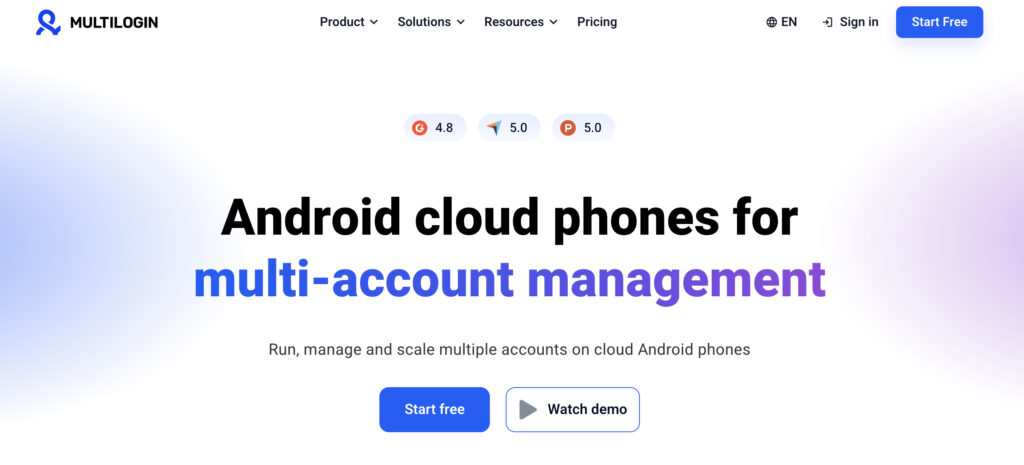
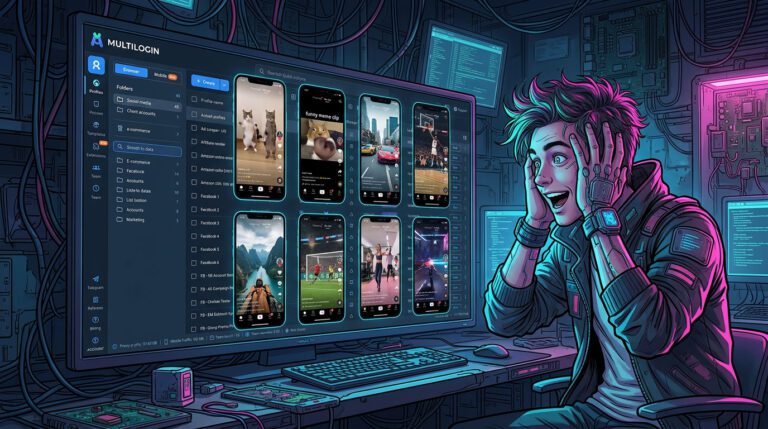
Multilogin is a cloud Android phone platform for multi-account management, with browser profiles for web-based tasks. It lets you run multiple TikTok accounts on separate Android devices in the cloud, with residential proxies and mobile minutes included in every plan.
Multilogin is no longer just an antidetect browser. It has grown into a cloud Android phone platform built around multi-account management, letting users run mobile-app accounts like TikTok on real Android devices in the cloud. Browser profiles stay available for web-based workflows, with built-in residential proxies and mobile minutes included in every plan.
Best for: TikTok account managers, social media agencies, content creators, freelancers and teams managing multiple accounts
Starting price: Free plan with no time limit or credit card required. Paid plans start from $7.08 a month
Key features for TikTok
- Real Android cloud phones, one device per account, running TikTok directly rather than through a browser or emulator
- Separate account environments: each cloud phone keeps its own app data, login history, IP and location
- Built-in residential, mobile and ISP proxies included in every paid plan, with unused minutes and data rolling over month to month
- Browser profiles for managing web-based accounts alongside TikTok cloud phones from the same dashboard
- API and ADB access for automating supported mobile-app workflows
- Team collaboration: share profiles, assign permissions, manage accounts across a team
- A device pool of roughly 30 phone models across 12 brands on Android 10 through 16, with proxy coverage in 150+ countries
Pros
- Real Android devices for running the native TikTok app, not an emulated one
- Cloud phones, browser profiles, proxies and mobile minutes bundled into one subscription
- Separate environments for each TikTok account, so one flagged profile does not drag down the rest
- Automation and team management built in
- A free plan with no time limit
Cons
- Initial cloud phone setup takes a few minutes longer than opening an app
- Cloud phones cannot receive SMS or calls directly, so phone verification needs a separate number
- A stable internet connection is required, same as any cloud phone
Why choose Multilogin for TikTok?
Multilogin makes it easier to manage multiple TikTok accounts without juggling physical devices or stitching together separate tools. Each account runs on its own cloud Android phone, while browser profiles, bundled proxies and automation features support the rest of the workflow as it scales.
2. GeeLark
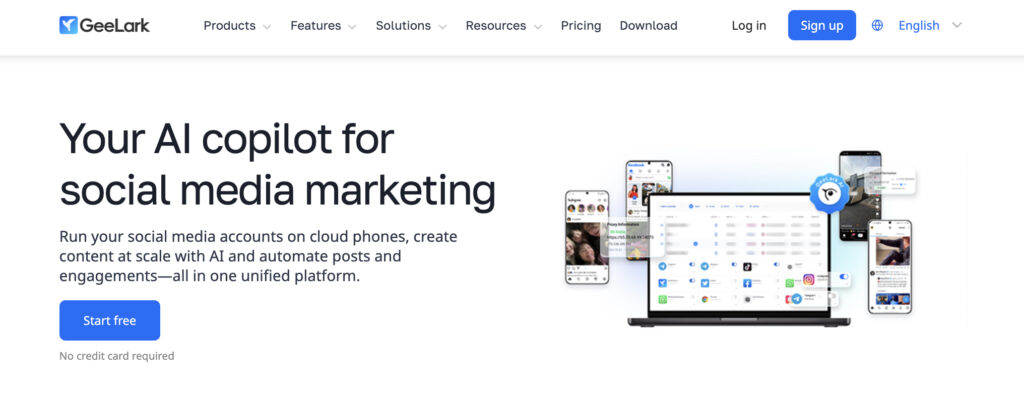
GeeLark runs real ARM-based Android cloud phones built around managing TikTok, Instagram and Facebook accounts at scale, with a Synchronizer feature that mirrors a master profile’s actions across many others and AI templates for repetitive posting tasks.
Best for: solo operators and small teams who want fast, template-driven automation
Starting price: not published upfront, confirmed through a sales conversation
Key features for TikTok
- Real ARM-based Android cloud phones with a unique device fingerprint per profile
- Synchronizer feature that replicates taps and swipes from one master profile across a whole batch of others
- AI automation templates for TikTok, Instagram and Facebook posting
- Android 16 support added in 2026, with desktop clients for Windows, macOS and Linux plus a web app
Pros
- Genuine mobile hardware rather than emulation
- Automation templates built specifically around TikTok-style repetitive tasks
Cons
- Pricing stays unclear until you are already talking to sales
- No published free plan to test the platform before committing
3. VMOS Cloud
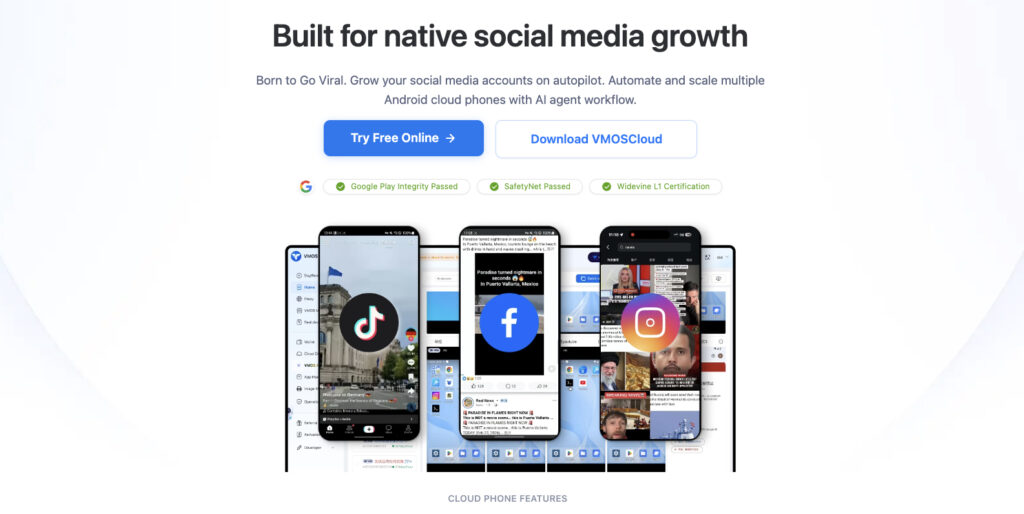
VMOS Cloud runs on Android 14 with dual-system switching and built a dedicated AI agent specifically to automate batch TikTok actions across devices, backed by Google CTS certification and its own OwlProxy integration.
Best for: marketers who want a dedicated automation agent handling bulk TikTok actions
Starting price: tiered by device model, with add-ons such as email verification billed separately
Key features for TikTok
- A TikTok Account Automation AI Agent for batch, multi-device actions
- Android 14 devices with dual-system switching
- Google CTS certified device builds
- OwlProxy integration for managing proxies
Pros
- An automation agent purpose-built for TikTok rather than adapted from a general tool
- CTS certification backs up the real-Android claim
Cons
- Add-ons like verification and premium devices stack on top of the base rate quickly
- Total monthly cost is harder to predict than the advertised starting rate suggests
4. DuoPlus
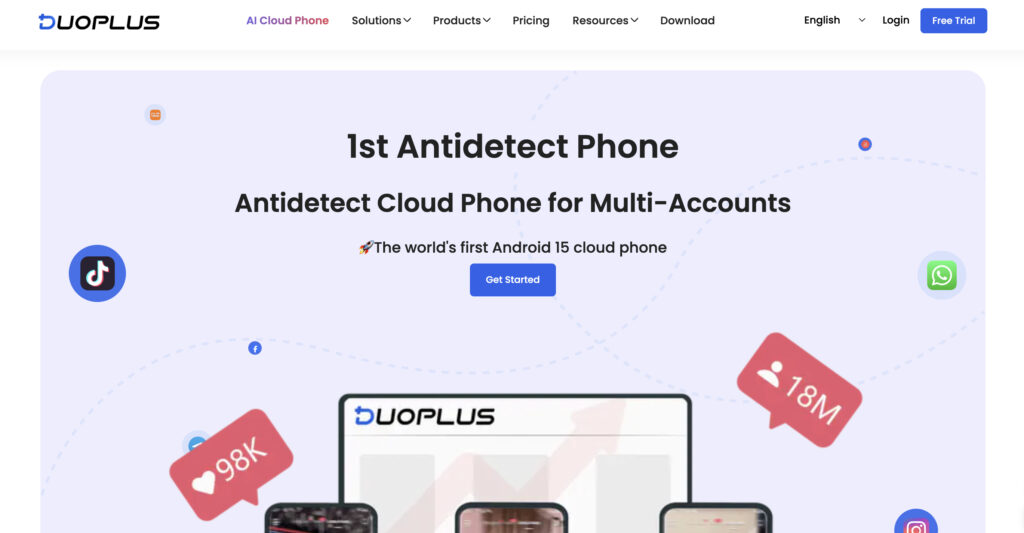
DuoPlus is built narrowly around TikTok and Instagram multi-account operations, with a deep RPA template library for scheduled posting and a built-in cloud number service for account verification.
Best for: agencies doing scheduled posting and bulk account registration at scale
Starting price: a subscription fee combined with usage-based cloud phone time
Key features for TikTok
- An RPA template library covering scheduled posting, liking and commenting
- A built-in cloud number service for account verification
- Tools for bulk account registration
Pros
- A deep, focused feature set for TikTok and Instagram specifically
- The cloud number service removes a common verification headache
Cons
- Thin support for platforms outside TikTok and Instagram
- Narrower overall platform coverage than the other three on this list
Privacy and ban risk: what nobody puts in the marketing copy
Even the best cloud phone cannot save an account if the proxy behind it is already burned, blacklisted, or geographically mismatched with the account’s history. The device is only half the setup. The IP it connects through is the other half, and it gets ignored far too often.
Datacenter IPs are cheap and get flagged fast. Mobile and residential IPs actually blend in, and a proxy that worked fine last month can land on a blacklist without warning, no announcement, nothing. Before trusting a fresh IP with a client’s account, it genuinely takes thirty seconds to run it through a checker like WhoerIP and glance at the privacy score, the ASN, and whether it is already flagged somewhere. Skip that step and one bad IP can take out four accounts instead of none.
And if a ban already happened, the fix is rarely the cloud phone’s fault alone. Our guide on how to bypass a TikTok ban walks through what is actually salvageable once an account gets flagged, versus when it is genuinely time to start fresh.
Pro tip: rotate IPs by country consistency, not randomly. An account that registered in Brazil and suddenly posts from a German IP is a louder signal than most people realize.
How to set up your first cloud phone for TikTok
- Pick a provider and start on its free or trial tier, not the biggest plan on the page
- Spin up one cloud phone and assign it a mobile or residential proxy matching your target country
- Install TikTok fresh inside that profile, the same way you would on a brand new physical phone
- Warm the account up for several days with normal scrolling and watching before posting anything
- Only then start posting, and only then add a second profile
Resist the urge to spin up ten profiles on day one. TikTok’s detection systems pay close attention to brand new accounts that suddenly behave like a content farm, and a slow start is cheaper in the long run than a fast ban.
Common mistakes that get cloud phone accounts banned
- Reusing the same proxy across multiple profiles because it was already paid for
- Copying device settings instead of letting each profile generate its own
- Posting identical captions or hashtags across every account at the same time
- Skipping warm-up time because the client wants results by Friday
None of these are exotic mistakes. They are the boring kind that happen when someone gets impatient, and TikTok’s detection exists specifically to catch boring, repeated patterns like these.
Best cloud phones for TikTok: Full feature comparison
| Feature | Multilogin | GeeLark | VMOS Cloud | DuoPlus |
|---|---|---|---|---|
| Real Android cloud phones | Yes | Yes | Yes | Yes |
| Native TikTok app | Yes | Yes | Yes | Yes |
| Browser profiles | Included | Available | Not offered | Not offered |
| Built-in residential proxies | Included | Separate setup | Separate setup | Separate setup |
| Mobile usage minutes | Included | Free allowance + paid usage | Plan-dependent | Usage-based |
| Automation | API, ADB, AI-agent workflows | RPA, Synchronizer, AI | AI agent | RPA templates, API |
| Team management | Yes | Yes | Plan-dependent | Yes |
| Free plan | Yes | Yes | Varies | Trial available |
| Starting price | From $7.08/month | Free + usage fees | Device-based | Usage-based |
| Best suited for | Mobile and web multi-account workflows | Social media automation | AI-powered mobile tasks | Bulk operations |
The bottom line
Choosing the right cloud phone for TikTok can make managing multiple accounts easier, especially for marketers, creators, and agencies looking to scale their operations. With separate Android environments, automation features, and centralized account management, cloud phones help teams save time and keep their workflows organized.
For users managing TikTok alongside other platforms, Multilogin is a strong all-in-one option, combining real Android cloud phones, browser profiles, built-in residential proxies, and mobile minutes in one subscription. GeeLark and VMOS Cloud are worth considering for teams focused on automation, while DuoPlus is a practical choice for bulk posting and social media account management.
Ultimately, the best cloud phone for TikTok depends on your budget, the number of accounts you manage, and the features your workflow requires. Choosing a platform that fits your needs will make it easier to manage daily tasks and grow your TikTok operations over time.
Frequently Asked Questions
What is the difference between a cloud phone and an Android emulator for TikTok?
A cloud phone is a dedicated Android device running on someone else's server with its own hardware fingerprint, while an emulator runs on your own computer and often shares traits across every window you open. For TikTok, that shared fingerprint is exactly what gets multiple emulator profiles linked together.
Can TikTok ban cloud phone accounts?
Yes. A cloud phone does not make an account unbannable, it just removes one common cause of bans: shared device fingerprints. Accounts can still get flagged for proxy issues, repetitive behavior, or straightforward policy violations regardless of what hardware they run on.
How many TikTok accounts can you safely run on one cloud phone?
Generally, one TikTok account per cloud phone profile is the safer approach, since stacking several accounts on one device reintroduces the shared fingerprint problem cloud phones exist to avoid. Most providers price around this, scaling by number of profiles rather than accounts per profile.
Do you still need a proxy if you are already using a cloud phone for TikTok?
Yes. The cloud phone and the proxy solve two different problems, and skipping the proxy leaves half the setup exposed. The device handles the hardware fingerprint, the proxy handles the IP and location, and TikTok checks both.
Is Multilogin a good fit for TikTok specifically, or is it better for other platforms?
Multilogin works well for TikTok specifically, and even better for teams running TikTok alongside Instagram, Facebook or WhatsApp from the same dashboard. If TikTok is genuinely the only platform you touch, a narrower tool built just for that might feel simpler at first, though it tends to cost you flexibility later if you ever expand.