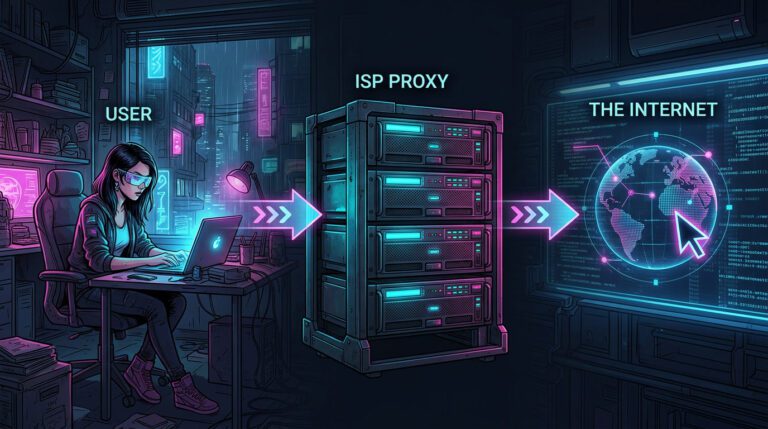

Changing location on eBay sounds simple until you realize eBay may look at more than one signal. You can change your shipping address, account address, item location, country settings, and delivery preferences. But if your browser, IP address, timezone, DNS, or proxy still points somewhere else, your setup may look inconsistent.
That is why learning how to change location on eBay is not only about clicking the right setting. It is also about making your location signals match.
In this guide we’ll go over how to change your eBay location for buying and selling, what each location setting actually does, and how to test whether your IP, VPN, proxy or browser setup is in line with your chosen location.
Which eBay location setting should you change?
The first step is to figure out which location you want to change. This is important because eBay has different location settings for buying, selling, account information, and marketplace experience.
Depending on your goals, you may need to change one of the following settings:
- Shipping address: Use this if you want to buy things and have them shipped to a different address. This can affect where your orders are delivered and what shipping options you have at checkout.
- Account settings: Use this if you want to update your registered personal information. This is most relevant for the account information eBay has for your profile.
- eBay country or site: Use this if you want to shop on a different regional marketplace. This can give you different search results, currencies, regional listings, and shopping options.
Beyond these account-level settings, you should also factor in technical location signals. Changing your location within the eBay app or website may still allow websites to see your IP address, proxy, VPN, and browser profile.
The 4 ways to change your location on eBay
You can change location on eBay in 4 main ways:
- Change your shipping address for buying.
- Change your delivery address at checkout.
- Change your account registration or personal information.
- Change your IP, proxy, VPN, or browser profile location for consistency.
Each method solves a different problem. Do not treat “location” as one setting. On eBay, location can mean delivery address, account country, seller item location, marketplace region, or technical browser/IP location.
Check your setup before you change anything
Before changing eBay location settings, check what your browser is already showing. Open WhoerIP and test:
- Your visible IP address
- IP country and city
- VPN or proxy detection
- DNS leak status
- WebRTC leak status
- Browser/device fingerprint
- Location mismatch signals
- IP blacklist status
This matters because your eBay account may say one country while your IP, DNS, browser timezone, or WebRTC data points to another. Run a quick IP, DNS, WebRTC, and fingerprint check on WhoerIP before assuming your eBay location has really changed.
WebRTC can allow browsers to support real-time communication features, and browser-level signals may exist separately from your visible IP address. DNS also plays a role in how devices connect to internet resources, so DNS location mismatches can be part of a broader location consistency issue.
How to change shipping location on eBay as a buyer
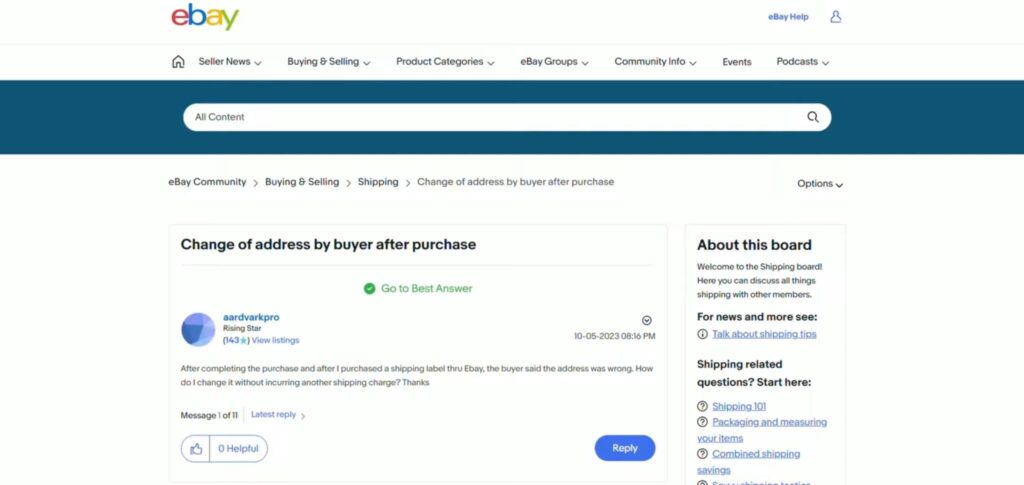
Your shipping location controls where sellers send your order and which delivery options you see.
- On eBay Web
- Sign in to your eBay account.
- Go to My eBay.
- Open Account settings.
- Go to Addresses.
- Choose Shipping address.
- Select Edit.
- Add or update your delivery address.
- Save the change.
eBay’s official help page says users can update their shipping address from the Addresses section in My eBay.
- On the eBay App
- Open the eBay app.
- Tap My eBay.
- Go to Settings.
- Open Shipping addresses or address settings.
- Edit or add a new address.
- Set it as your preferred shipping address if needed.
How to change delivery location during checkout
If you have not paid yet, checkout is usually the easiest place to change where the order will be delivered. During checkout:
- Review the shipping address.
- Select Change or Edit next to the address.
- Choose another saved address or add a new one.
- Confirm shipping cost, tax, and import fees if shown.
- Complete payment only after checking the final address.
For international purchases, eBay notes that delivery address changes during checkout can affect import-related charges.
Always check the final delivery address before payment. Some sellers cannot change the shipping address after the order is placed.
How to change shipping location on eBay after purchase
After purchase, changing the shipping location becomes harder.
eBay says buyers should contact the seller before the package is sent if they need to change shipping address or shipping service. In some cases, the seller may need to cancel the order so the buyer can purchase again with the correct details. What to do:
- Open the order in your purchase history.
- Contact the seller immediately.
- Explain that the shipping address is wrong.
- Ask whether they can update it before shipment.
- If they cannot, request cancellation and reorder with the correct address.
Do not rely on a message alone if the order has already moved into shipping. The seller may be required to ship only to the address used at checkout.
How to change eBay account location
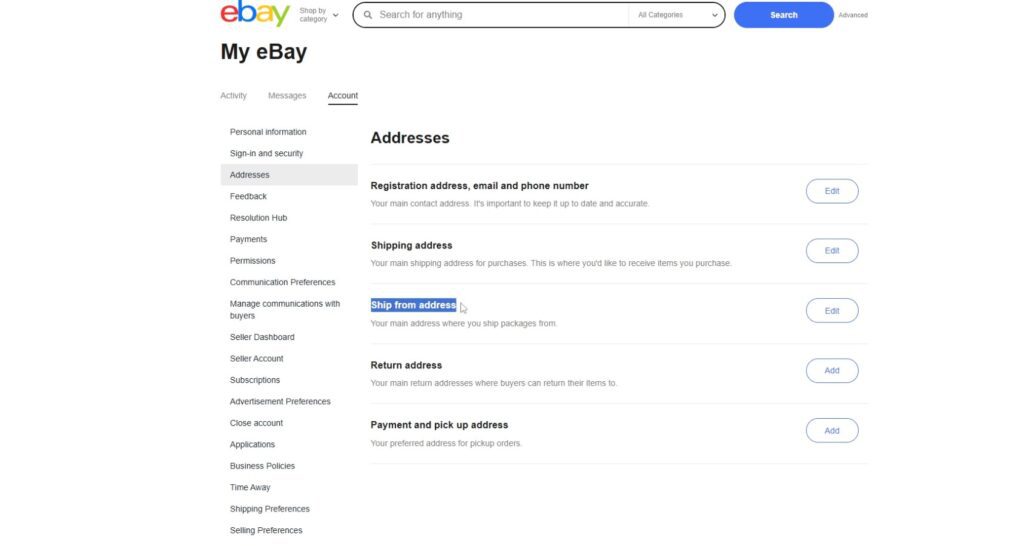
Your eBay account location usually refers to your registered address or personal information. To update account information:
- Sign in to eBay.
- Go to My eBay.
- Open Account.
- Select Personal information.
- Find the address or account details you need to update.
- Select Edit.
- Enter the correct information.
- Save your changes.
eBay’s official account help says users can update personal information from the Account section in My eBay by selecting Personal information and editing the needed section. Use accurate account information. Account location can affect payments, fees, verification, returns, and seller requirements.
👉 Changing your eBay location and need a proxy setup that matches your chosen country? This comparison guide may help: Best Rotating Proxies in 2026: Top 10 Providers Compared.
Why changing location in the app may not be enough
Changing location within eBay can change what you see in the interface. But platforms can still get technical signals about your device, browser, or network. These signals can include:
- IP address location
- Proxy or VPN status
- DNS resolver location
- WebRTC behavior
- Browser timezone
- Device language
- Cookies
- Browser fingerprint
- Login history
- Account activity patterns
This does not mean every mismatch creates a problem. But when many signals disagree, your setup can look unusual. For example, your eBay shipping address is in Germany, your IP address is in Singapore, your DNS appears in the United States, and your browser timezone is set to Vietnam. That setup may look inconsistent.
Before logging into important accounts, use WhoerIP to compare your IP location, DNS, WebRTC, browser fingerprint, and anonymity signals.
When you may need a proxy, VPN, or browser profile
A proxy or VPN may be useful when you need your visible network location to match your browsing context. However, changing only the IP is not always enough. You may also need to check:
- Browser timezone
- Language settings
- WebRTC leaks
- DNS leaks
- IP reputation
- Cookie separation
- Device fingerprint consistency
Need to know why residential proxies are often recommended? Read What Is a Residential Proxy to understand how residential proxies work and when they make sense for your use case.
Conclusion
Changing location on eBay is not only about editing one setting. Depending on what you want to do, you may need to update your shipping address, checkout delivery address, account information, seller item location, ship-from address, or marketplace region.
For simple buying and selling tasks, eBay’s built-in settings are usually enough. However, if you want your setup to look more consistent across different signals, you should also check your IP address, DNS, WebRTC, browser timezone, and device fingerprint. Tools like WhoerIP can help you review these signals before you log in or make important account changes.
Frequently Asked Questions
How to change location on eBay?
You can change the location on eBay, but first decide what you mean by location. Buyers can change their shipping address in My eBay or when they check out. Sellers can change the item location and shipping preferences in Seller Hub or on active listings. Account location can be changed in the account preferences. If you also need your technical location to match, check your IP, DNS, WebRTC, proxy/VPN status, and browser fingerprint with a tool like WhoerIP.
How to change eBay location on the app?
To do this, open up the eBay app and go to My eBay and then Settings. Under shipping addresses, account settings or location preferences you will be able to make the necessary changes. You can change the address where your purchases are delivered to but this won’t automatically change your IP address, VPN location, browser time zone or the details that your account was registered with. If you’re selling items then you may also need to change the details of each listing separately.
How to change shipping location on eBay?
You can change your shipping location by updating your shipping address in My eBay or by editing the delivery address during checkout before payment. If you already placed the order, contact the seller before the item ships. eBay says sellers may need to cancel the order so the buyer can repurchase with the correct address.
How to change country on eBay?
You can change country on eBay by using another regional eBay site, changing your delivery country, updating your registered address, or setting international shipping options as a seller. These actions are different. Browsing another marketplace changes what you see, while updating your account country changes account-level information. Sellers should also check shipping policies, destination countries, and item location.