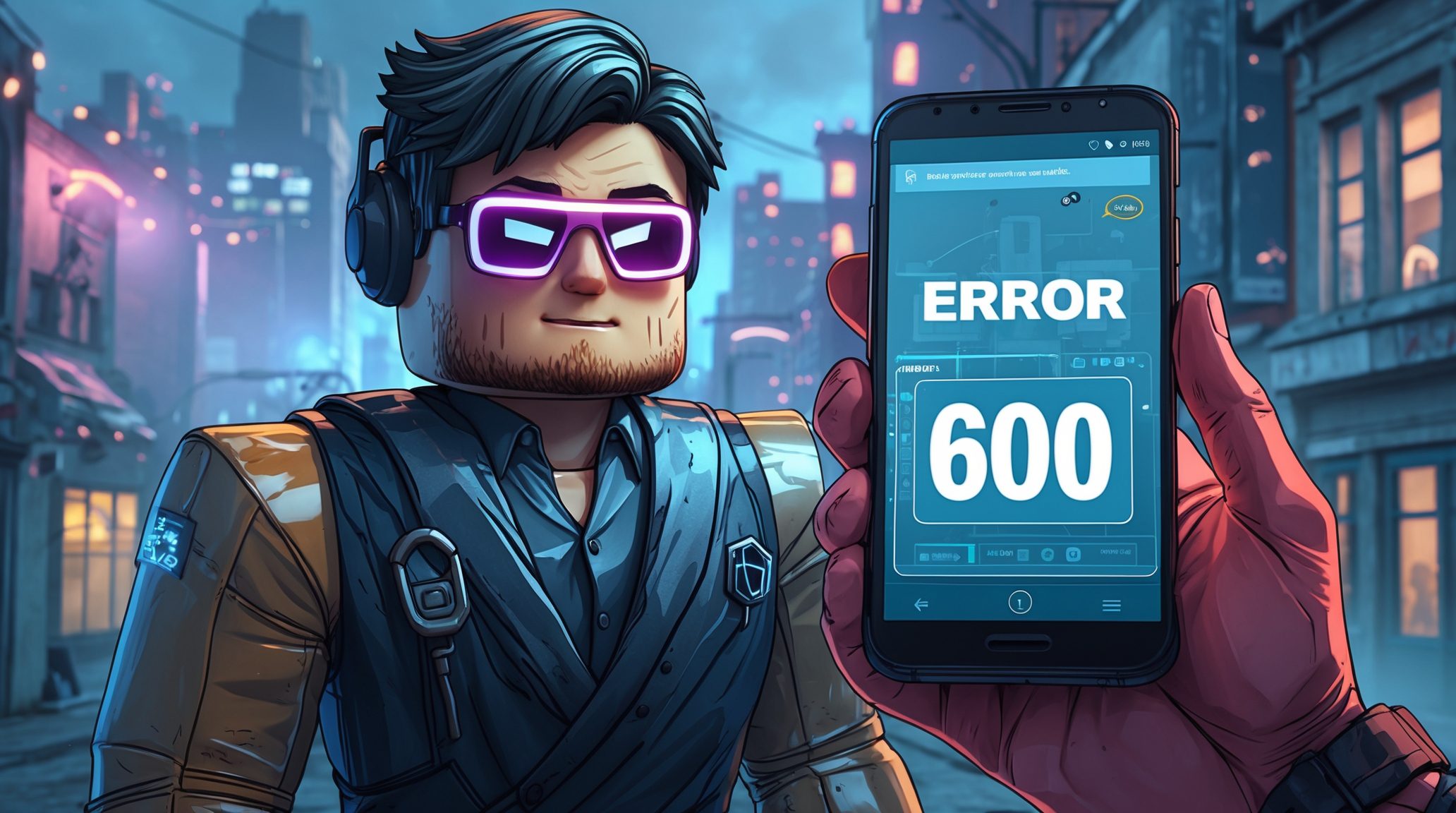

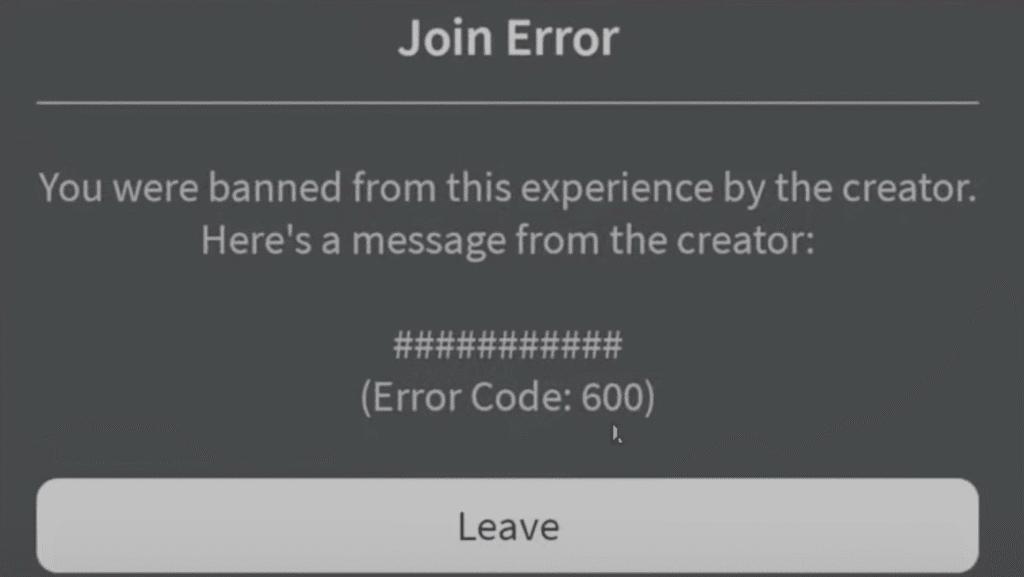
If Roblox suddenly issues Error 600, do not rush to panic, in most cases it is just a connection failure or temporary authentication problems. The error means that the client cannot correctly contact the Roblox servers, most often due to the network, cache, or DNS settings.
What to do right now:
- Restart Roblox and the device. Sometimes the error disappears after a simple restart.
- Clear the client’s cache. In Windows open %localappdata%\Roblox and delete the Cache and Logs folders. Check this video to clear cache.
- Reset the network settings. Restart the router and try another Wi-Fi or mobile Internet connection.
- Check the DNS. Set public addresses, Google (8.8.8.8 and 8.8.4.4) or Cloudflare (1.1.1.1). Check this video to change dns.
- Disable VPN or proxy. Sometimes they conflict with Roblox servers.
Important: do not use third-party “hacks” or “patches” from questionable sites – they do not solve the problem, but can lead to account theft or ban.
Roblox Error 600 is not a verdict. In 9 cases out of 10, a combination of simple actions helps.: clearing the cache, changing DNS, and restarting the connection. Everything is safe and without “detours”.
Diagnosis: how to quickly understand the reason
Before you change anything, you need to understand where the “lags” are coming from. Roblox Error 600 can mean different things, from overloading servers to problems with your internet.
What to check:
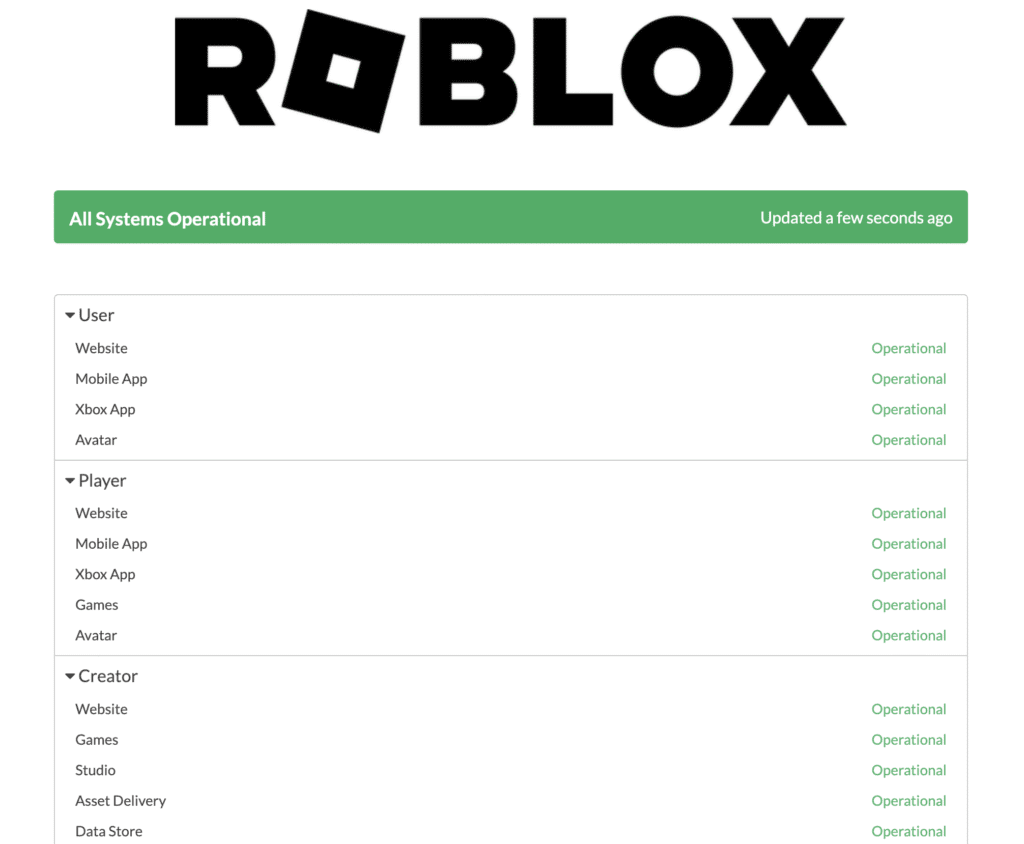
- Roblox status. Go to status.roblox.com or to the official Twitter account @Roblox to check the current failures. If everyone has a mistake, just wait.
- Where exactly is the process broken: does the error appear when logging in, when starting the game, or when loading the map? This helps determine if the problem is server-side or client-side.
- Check your network: try launching a browser, opening YouTube, or running ping roblox.com on the command line. If the connection is unstable, look for the reason in the Wi-Fi or router.
- Take a screenshot and write down the steps. This will come in handy if you have to write to roblox support, the more accurate the description, the faster it will help.
Accurate diagnosis saves time. Sometimes error 600 is just a temporary “glitch”, and sometimes it’s a signal that the network won’t let you go where you need to go. By dealing with the source, you will save a lot of nerves.
Basic And Quick Roblox Error 600 Fixes
When Roblox issues Error 600, the most sensible thing to do is to start with simple and safe actions. They solve most problems without requiring complex settings.
What you should do first:
- Restart everything: Close Roblox completely and restart your computer or phone. The error is often related to a hung session.
- Log out and log in to your account again. This helps if the session is outdated or the system is confusing the authorization tokens.
- Clear the Roblox cache.
- On Windows: open %localappdata%\Roblox → delete the Cache and Logs folders.
- In the browser: Clear temporary files and cookies related to Roblox.
- In this video guide you can see how to clear roblox cache.
- Reset network settings:
- Restart the router or try the mobile internet.
- If possible, connect directly via a cable.
- Change DNS to public:
- Google – 8.8.8.8 and 8.8.4.4.
- Cloudflare – 1.1.1.1 and 1.0.0.1.
- You can check how to change DNS in this video guide.
- After the change, restart the system and check if the error has disappeared.
These steps are like “first aid” for Error 600. If the problem is not with the Roblox servers, then this basic “bypass” solves it in 8 out of 10 cases.
Advanced Roblox Error 600 Checks And Fixes
If simple methods did not help, it means that Roblox Error 600 may be caused by a deeper conflict of programs, network, or system settings.
What’s worth checking out next:
- VPN, proxy and antivirus.
- Temporarily disable VPNs or proxies, some of them interfere with connection to Roblox servers.
- If a VPN is needed, try another location. And remeber using quality VPNs, even free ones , that you can check in our top 10 free VPNs list.
- Antivirus can also block Roblox, add the client to the exceptions.
- Date and time.
- Make sure that the system time matches your region. Even a small misalignment prevents authentication.
- Reinstall Roblox.
- Delete the client completely.
- Clear the remaining folders (%localappdata%\Roblox, AppData\LocalLow, AppData\Roaming).
- Download the latest version from the official website.
- A network with restrictions.
- If you are on a school, corporate, or university network, access to Roblox may be blocked at the router level.
- Contact the administrator or try a mobile hotspot.
| Issue Type | Possible Cause | Recommended Fix | Level |
|---|---|---|---|
| Connection | Temporary network glitch or unstable Wi-Fi | Restart router, switch to mobile hotspot or wired connection | Basic |
| Cache/Data | Corrupted Roblox cache files | Delete %localappdata%\Roblox\Cache and %localappdata%\Roblox\Logs | Basic |
| DNS Settings | Wrong or outdated DNS configuration | Change to Google DNS (8.8.8.8, 8.8.4.4) or Cloudflare (1.1.1.1) | Basic |
| VPN/Proxy Conflict | VPN hides IP or blocks Roblox servers | Disable VPN/proxy, or try another location | Advanced |
| System Settings | Incorrect time/date or outdated client | Sync system clock, reinstall Roblox | Advanced |
| Firewall/Antivirus | Security software blocking Roblox connection | Add Roblox to exceptions or temporarily disable firewall | Advanced |
| ISP/Network Restrictions | Roblox domains or ports blocked by provider or admin | Try different network, contact ISP or network admin | Advanced |
| Server Issue | Roblox servers temporarily down | Check Roblox status page or Twitter updates | External |
If Error 600 does not disappear after the basic steps, the reason is almost always due to third-party filters – VPN, antivirus, or network settings. Sometimes a complete reinstall helps, but don’t forget to make sure that access to the Roblox servers is open on your side.
You Still Get Error 600?
If you’ve tried everything: restarting, clearing the cache, changing DNS, and even reinstalling the client and Roblox Error 600 still appears, then it’s time to turn on the “heavy artillery”, Roblox support.
What to prepare in advance:
- Screenshots of the error, to show the exact moment of the failure.
- Logs of the Roblox client, if any (in %localappdata%\Roblox\logs).
- System information: Windows/macOS version, Roblox version, network type (Wi-Fi, cable, mobile).
- Connection verification results:
- check your ping, indicates whether the request is being received.
- Support contact: send a request to roblox support or post a message on the official forums.
Temporary detours if you need to play:
- Try logging in from another account, sometimes the problem is localized.
- Use a mobile hotspot or a guest network to check if the PROVIDER is the problem.
But remember: these are temporary solutions until the cause is clarified. And if you are havi ng triubles bypassing Roblox captcha – feel free to check our article.
How to Bypass Roblox Error 600 Conclusion
The Roblox Error 600 error is usually related to the network, cache, or connection settings, rather than the account itself.
Quick solution:
- Restart the game and the device.
- Clear the Roblox cache.
- Reset DNS or try another Internet connection.
- If it doesn’t help, disable the VPN/antivirus and reinstall the client.
In the vast majority of cases, the error disappears after these steps. If not, collect the logs and write to Roblox support. The main thing is not to use dubious “hacks” or scripts for “bypass”, but to follow the official path.
Roblox Error 600 can be safely bypassed by simply restoring a normal connection.
Frequently Asked Questions
What is Roblox error 600?
A network/authentication error in Roblox that means the client failed to establish a proper session with the Roblox servers, typically a connection, DNS, cache or routing problem.
What does error 600 mean on Roblox?
It usually indicates a failure during connection or sign-in (session/token/authentication problem). The client can’t reach or complete the handshake with the game server.
Why does Roblox error 600 come up?
Common causes: temporary Roblox server issues, unstable Wi-Fi or ISP routing, corrupted local cache, incorrect DNS, VPN/proxy/antivirus interference, or network restrictions on school/corporate networks.
How to bypass Roblox error 600?
Don’t use hacks, use safe fixes instead: restart Roblox and your device, clear Roblox cache, switch networks (Wi-Fi ↔ mobile hotspot or wired), change DNS to 1.1.1.1 or 8.8.8.8, disable VPN/proxy/antivirus temporarily, and reinstall Roblox if needed. If nothing helps, contact Roblox support.
How to bypass error code 600 Roblox?
Same as above, there’s no legitimate “force bypass.” Apply the supported troubleshooting steps (cache clear, DNS reset, network switch, reinstall), check Roblox status, and submit logs to support if the problem persists. Avoid unofficial patches or tools, they risk account loss.