

What Free Antivirus Should Be Installed Right Away
If you don’t have time to figure it out for a long time, here’s a short list of solutions that really work:
- Without too much fuss: leave Microsoft Defender, which is already built into Windows, and add Malwarebytes Free to it as an additional on-demand scanner. Such a tandem is often called one of the most practical if you need a free antivirus without unnecessary difficulties.
- “Set and forget”: for those who want a fully automated option, Bitdefender Antivirus Free is perfect. It is often included in collections as the best and free antivirus software because it is lightweight but reliable.
- For weak PCs: if you have a laptop or an old computer where resources are worth their weight in gold, choose Avira Free or Panda Dome Free. These solutions are a classic example of a “lightweight” antivirus software free that does not overload the system.
| Category | Recommended Free Antivirus | Why It Stands Out |
|---|---|---|
| Best Default Option | Microsoft Defender | Built-in, always updated, no extra setup needed |
| Best “Set and Forget” | Bitdefender Antivirus Free | Silent, lightweight, strong real-time protection |
| Best for Old/Weak PCs | Avira Free / Panda Dome Free | Minimal resource usage, simple to run |
| Best Feature-Rich | Avast One Essential / AVG Free | Many modules in one panel, web protection included |
| Best Second Scanner | Malwarebytes Free | Powerful on-demand cleanup for PUPs & malware |
If you want stability, Defender + Malwarebytes; if you like simplicity, Bitdefender Free; if you have a weak computer, Avira or Panda. Do not use multiple resident defenses at the same time. One antivirus works in the background, and the second can only be kept as a free antivirus app for periodic checks. Even phones may have viruses, check our guide on how to check for viruses on iPhone.
Methodology And Selection Criteria of Best Free Antivirus
When it comes to antivirus software free, it is important not only to have an icon in the tray. In 2025, security requirements increased, so we selected solutions based on these parameters:
- Protection engine: a combination of signatures, heuristics, and behavioral analysis. The best free antivirus can catch not only old viruses, but also new, unknown threats (0-day).
- Functions: Web shield, anti-phishing, anti-ransomware protection. This is already a standard, and if the free antivirus app does not offer this, it’s a reason to think about it.
- Performance: how much protection affects system load, games, or heavy programs. Even the best and free antivirus software can be useless if everything starts to slow down.
- Privacy: is there any unnecessary telemetry, annoying ads, and upselling (constant requests to buy a premium). Self-respecting antivirus free gives fair terms.
- Cross-platform: Windows, macOS, Android. Many modern solutions offer not only a classic client, but also a mobile free antivirus app.
- Objective tests: ratings of AV-Test, AV-Comparatives and other independent laboratories. This is a way to check if the protection is really effective.
Thus, the selection in the top 10 is not based on the principle of “where the interface is more beautiful”, but on how antivirus software free really protects and at the same time remains convenient and transparent. We also have a developed top free VPN providers that you can check out.
Reliable TOP 5 Free Antivirus
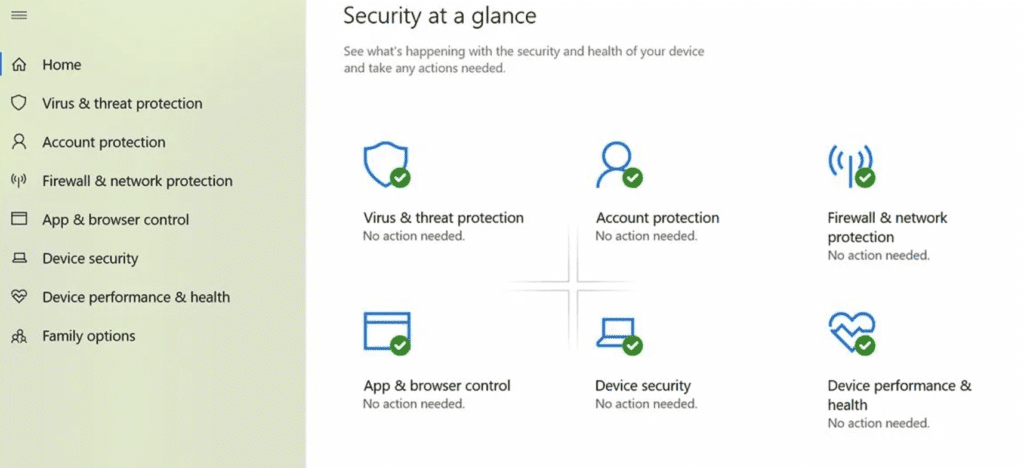
Microsoft Defender (Windows Security) — “the default that works”
Previously, it was considered something like an “antivirus for a tick”, but in recent years Microsoft has improved the quality, and now it is a really reliable basic protection. Microsoft Defender is built into Windows, is updated with the system, and works right out of the box.
- Features: real-time protection, SmartScreen filter against malicious sites, integration with Windows Firewall.
- Advantages: there are no ads, no constant requests to “buy premium”. Everything is free and native.
- Cons: sometimes it can be voracious to resources, but there are no additional “buns” like a VPN.
- For whom: for most ordinary Windows users. If you just need a working free antivirus without any problems, Defender will cover the basic needs.
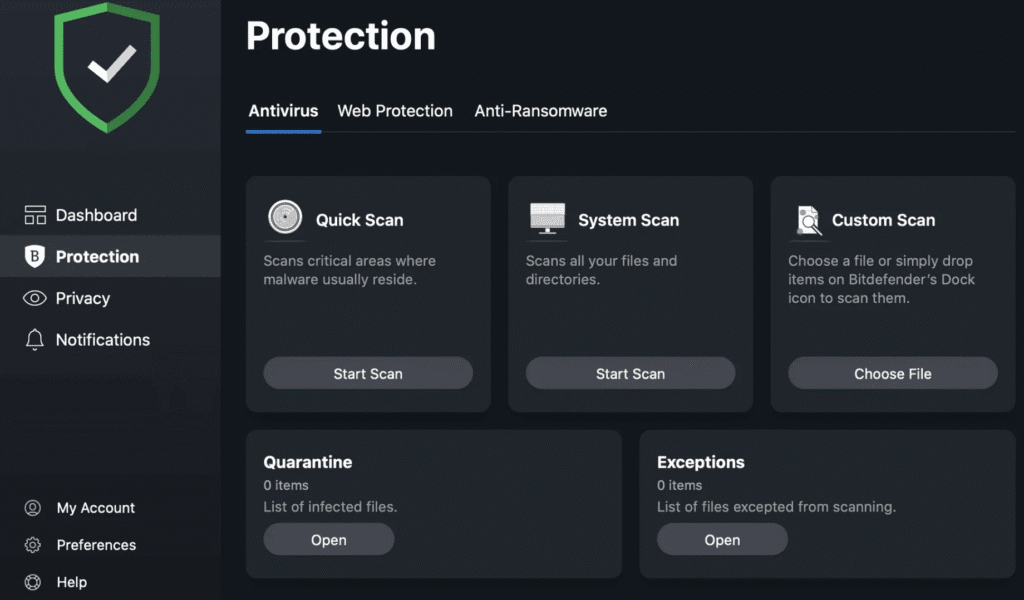
Bitdefender Antivirus Free — “quiet and reliable”
Bitdefender is an antivirus in the “set and forget” style. It does not distract with banners and settings, works quietly, but at the same time holds the brand of one of the most powerful engines on the market.
- Features: cloud scanner, strong anti-phishing system, minimalistic interface.
- Advantages: high protection according to independent tests, does not load the computer, does not interfere with work.
- Cons: there are few manual settings, so you can’t “dig under the hood” here.
- For whom: for those who are looking for the best and free antivirus software that works by itself and does not require attention.
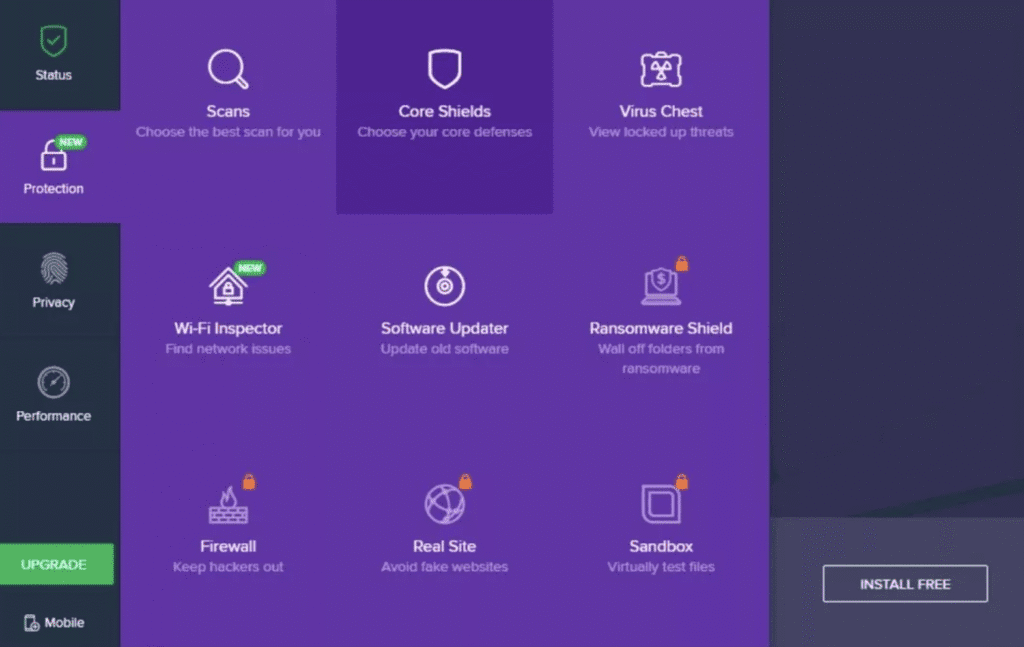
Avast One Essential (Avast Free) — “many modules in one”
Avast has long been a classic, and its free version today looks like a “Swiss knife” of security. In addition to antivirus, there are a lot of additional tools here.
- Features: web shield, behavioral analysis, limited VPN, password protection, system cleanup.
- Advantages: a rich set of functions immediately “in the box”.
- Cons: constant attempts to sell an upgrade and active telemetry (it would be good to check the privacy settings).
- For whom: for those who want antivirus software free, but immediately “with bells and whistles” in one application.
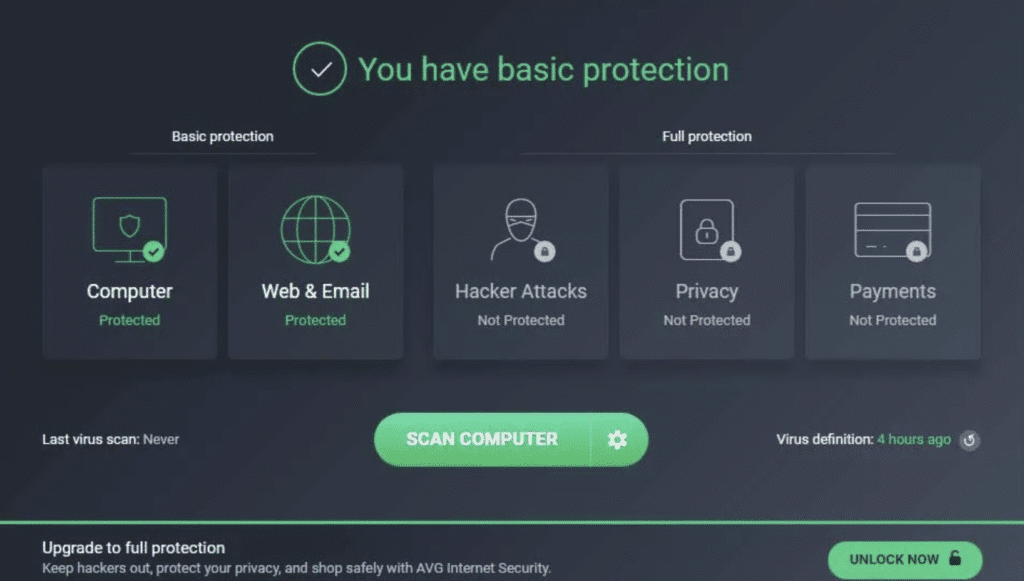
AVG AntiVirus Free — “simple and familiar”
AVG is the younger brother of Avast (both use the same engine), but everything is simpler here. This is a classic option for those who don’t want to bother.
- Features: basic antivirus protection, web shield, intuitive interface without unnecessary.
- Advantages: low entry threshold — it starts easily and works without long settings.
- Cons: active offers to upgrade to premium, which can be annoying.
- For whom: beginners and those who value simplicity. It’s easy to install such antivirus free for a mom or friend who “doesn’t fumble in the settings.”
Avira Free Security — “light and economical”
Avira is one of the veterans of the market, but its free version is still in demand due to its lightness.
- Features: a fast and resource-sparing engine, a built-in software updater, a web filter, plus a basic VPN with traffic restrictions.
- Advantages: it almost does not load the system — it is ideal for old computers or laptops with a small amount of power.
- Cons: some of the functions (for example, advanced VPN settings or password manager) are hidden behind the paywall.
- For whom: for owners of weak PCs or those who are looking for the most “lightweight” free antivirus app.
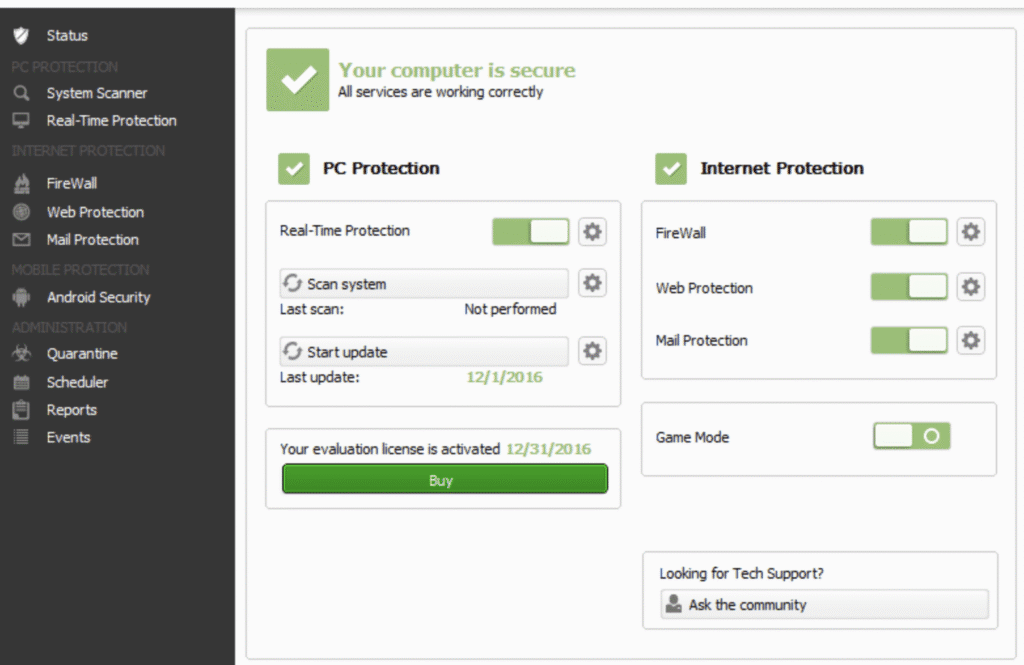
Fresh TOP 5 Free Antivirus Software
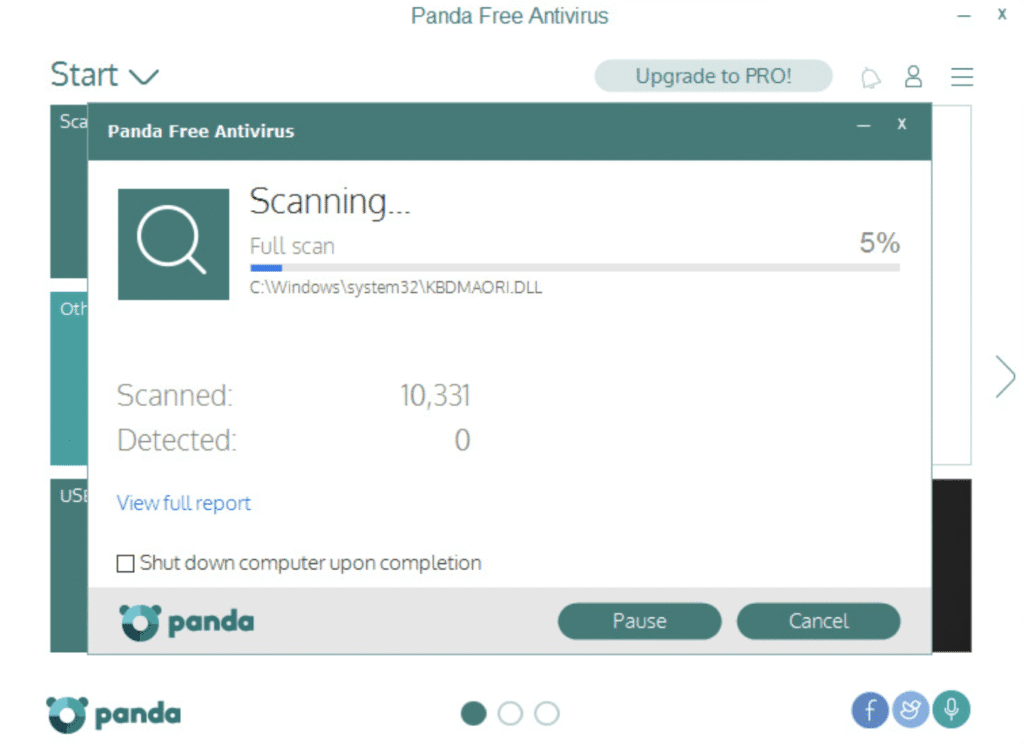
Panda Dome Free — “cloud instead of heavy core”
Panda Dome Free is an antivirus that shifts almost everything “heavy” to the cloud. In practice, this means: your laptop or old PC does not load, everything works easily and almost imperceptibly.
- Features: cloud threat analytics, user-friendly game mode (does not interfere with games), intuitive start without complicated settings.
- Advantages: minimal system load, ideal for weak devices.
- Cons: offline protection sags, it works worse without the Internet.
- For whom: owners of laptops, netbooks, and “oldies”-PCs who don’t pull heavy solutions, but want antivirus software free without overloading.
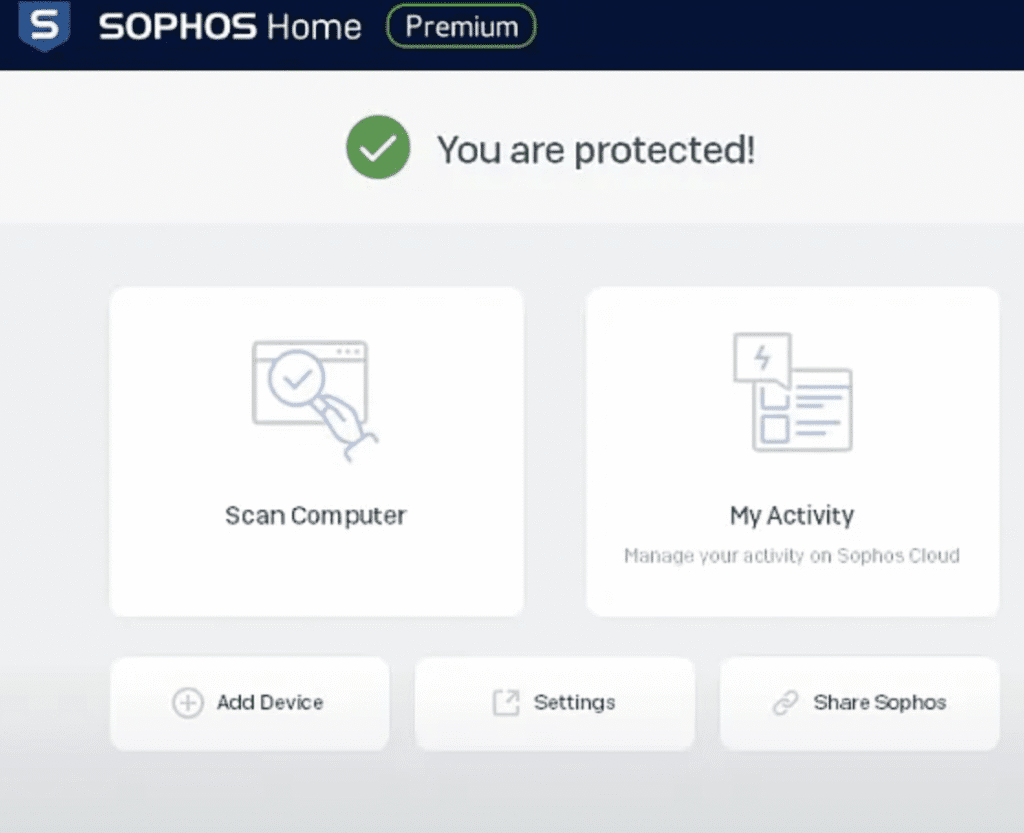
Sophos Home Free — “family control panel”
Sophos Home Free is an antivirus that is especially appreciated by families and those who “admin” their family’s computers. The main difference is the centralized control panel, through which you can monitor multiple devices at once.
- Features: remote control of PC and Mac, basic web shield, simple parental control settings.
- Pros: it’s convenient when you have multiple computers in your family — everything is visible in one dashboard.
- Cons: Advanced features (such as advanced security policies) are only available in the paid version.
- For whom: those who are the “tech guy in the family” and tired of going to fix their parents’ antivirus every time.
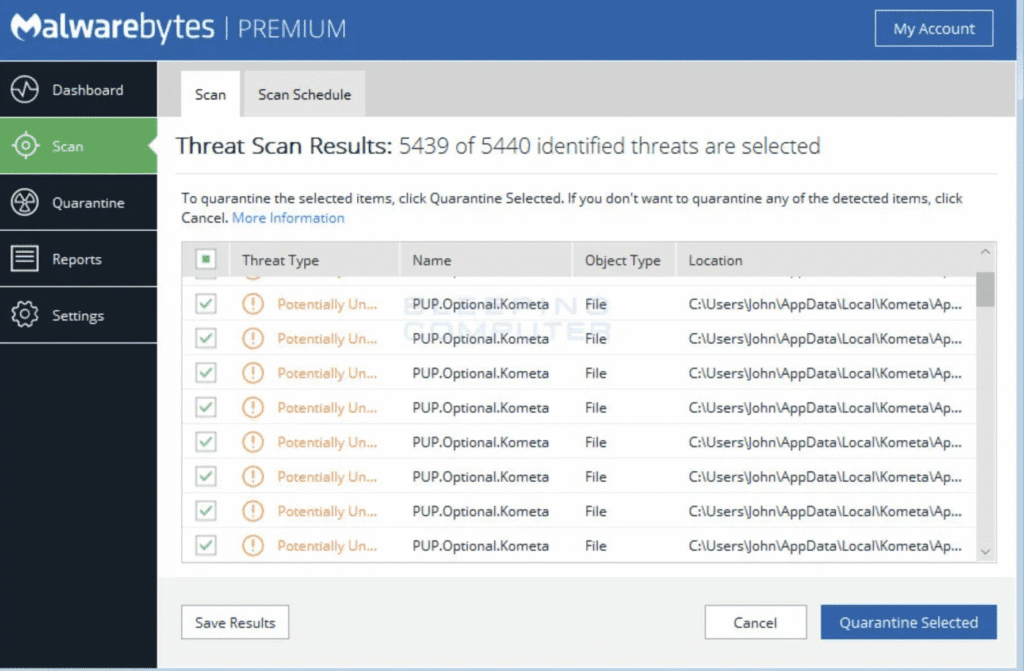
Malwarebytes Free — “the perfect second scanner”
Malwarebytes Free is not exactly an ordinary antivirus, but rather a “network orderly”. It perfectly finds things that classic solutions often miss: adware, unwanted toolbars, Trojans.
- Features: powerful on-demand scanner, cleaning of PUP, advare, Trojans, “second opinion” in case of suspected infection.
- Pros: it really cleans up the system of garbage that others ignore.
- Cons: it does not replace the full-fledged resident free antivirus app, there is no real-time protection.
- For whom: for absolutely everyone — install and run the system once a week as a “general cleaning”.
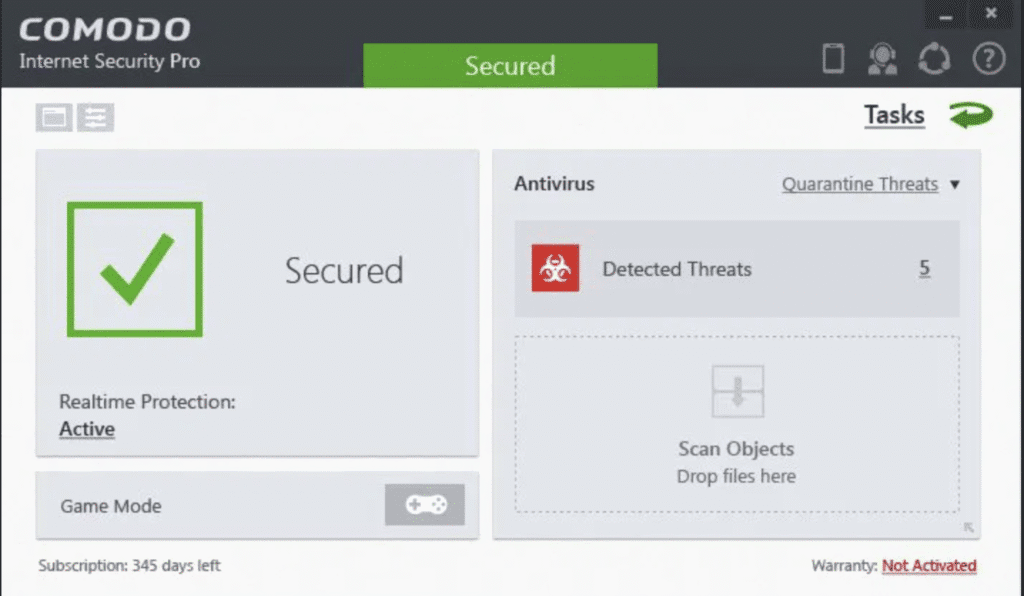
Comodo Free Antivirus — “default isolation”
Comodo Free is an antivirus for those who like full control. His philosophy: everything unknown is immediately in the sandbox, until the opposite is proven. This makes the system very secure, but sometimes requires “making friends” with the settings.
- Features: Default-Deny approach, automatic isolation of suspicious files (Sandbox), HIPS (intrusion prevention system).
- Advantages: the most powerful protection against unknown threats.
- Cons: It can be difficult for beginners to figure out the settings and the constant questions.
- For whom: for techies, “paranoids” and people who like to control everything manually.
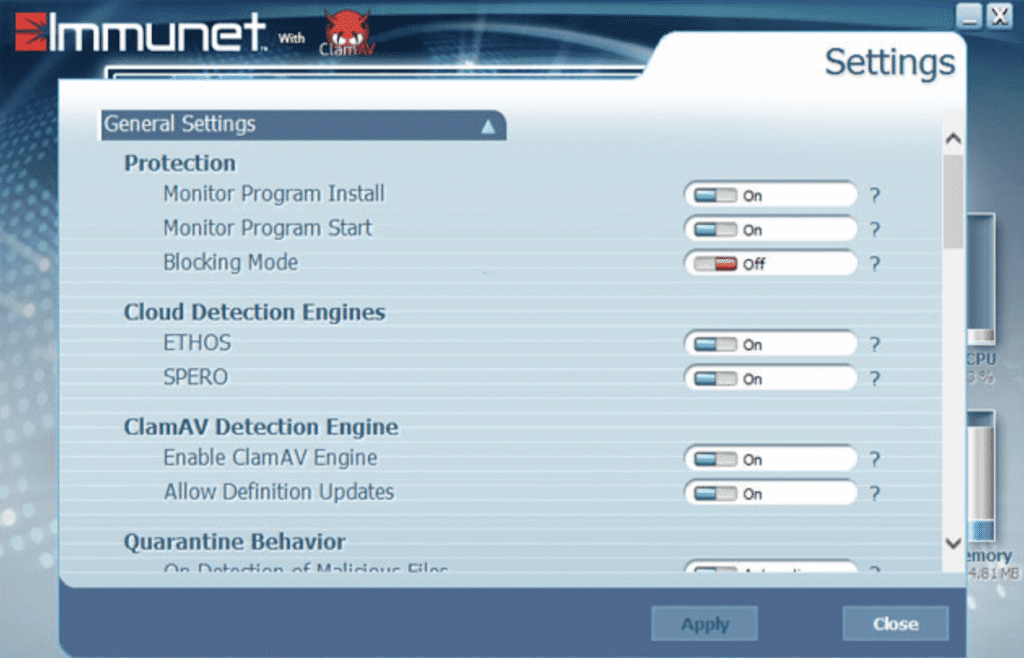
Immunet Free (Cloud AV) — “lightweight second layer from Cisco Talos”
Immunet Free is an antivirus from Cisco, which was conceived as a “cloud shield” and works as an additional layer on top of the main antivirus.
- Features: cloud-based threat signatures, lightning-fast updates over the network, compatibility with other antiviruses.
- Advantages: lightweight, fast, does not conflict with Microsoft Defender or Bitdefender.
- Cons: it’s almost useless without the Internet, since all the power is in the cloud.
- For whom: for those who want a free “second floor of protection” — a lightweight free antivirus paired with the main one.
| Antivirus Free App | Pros | Cons |
|---|---|---|
| Microsoft Defender | Always on, integrated, no ads | Can be resource-heavy at times |
| Bitdefender Free | Strong protection, minimal interface | Few manual controls |
| Avast One Essential | Rich features, extra tools | Aggressive upsell, telemetry |
| AVG Free | Simple UI, easy for beginners | Frequent upgrade prompts |
| Avira Free | Lightweight, extra tools (VPN, updater) | Limited features behind paywall |
| Panda Dome Free | Cloud-based, minimal load | Weak offline protection |
| Sophos Home Free | Remote management for multiple PCs | Advanced features only in paid |
| Malwarebytes Free | Great second-opinion cleaner | No real-time protection |
| Comodo Free | Sandbox & isolation, strong HIPS | Complex setup for beginners |
| Immunet Free | Cloud-powered, works alongside others | Weak without internet connection |
Free vs Paid Antivirus — Are They Worth Paying?
Free antiviruses have become so good today that for most users — students, freelancers, people who just want “to keep their computer in order” — they are really enough. Microsoft Defender is already built into Windows, Bitdefender Free or Avira Free provide strong protection at no extra cost. This is a “basic shield” that catches viruses, blocks malicious sites, and prevents Trojans from ruining your life.
But being free always has a price, even if it’s not in money. These may include advertising and constant “buy premium” reminders, feature limits (for example, there is no protection against cryptographers or firewalls), a limit on the number of devices, or lack of round-the-clock support. A free antivirus is like a lock on a door: it closes the entrance, but it does not always protect against an experienced hacker.
Paid solutions provide a complete set of:
- advanced modules (anti-ransomware, firewall, online payment protection, VPN);
- less or no ads at all;
- Stable speed without “hidden limits”;
- priority support, which is important for business.
If you just need to “feel calm”, free antivirus is enough. But if we are talking about work data, constant online payments, business tasks or family protection on multiple devices, the paid tariff will pay off with reliability and comfort. The same goes for proxies, for example. By the way, you can check our top 20 best proxy providers list.
| eature | Free Antivirus | Paid Antivirus |
|---|---|---|
| Cost | Free of charge | Subscription (monthly or yearly fee) |
| Core Protection | Basic malware and virus detection | Full suite: malware, ransomware, phishing, firewall |
| Updates | Regular, but sometimes delayed | Priority and real-time updates |
| Privacy & Ads | Often includes ads and upsell prompts | No ads, cleaner user experience |
| Extra Features | Limited (no VPN, no password manager) | Advanced tools: VPN, parental controls, password manager |
| Device Coverage | Usually 1 device | Multiple devices (PC, Mac, Android, iOS) |
| Support | Community forums or FAQ only | 24/7 professional customer support |
| Performance | May slow down under load | Optimized for speed and stability |
Conclusion
In 2025, free antiviruses have become mature enough to really compete with paid solutions in basic protection. For most Windows users, the best “starter bundle” is Microsoft Defender (as a basic shield) and Malwarebytes Free (for periodic cleaning). If you want to “install and forget” — choose Bitdefender Antivirus Free. Lightweight Avira Free or Panda Dome Free are suitable for weak laptops and PCs. Those who want more flexibility and features should pay attention to Avast One Essential and AVG Free. And for paranoids and techies — Comodo Free and Immunet as an additional layer.
Frequently Asked Questions
What’s a good free antivirus?
Microsoft Defender (built into Windows) and Bitdefender Free are solid, reliable options.
What is the best free antivirus software?
Proton VPN Free and Bitdefender Antivirus Free are often ranked at the top for 2025.
What is the top free antivirus software?
Bitdefender Free, Avast One Essential, and Microsoft Defender lead most lists.
Is there a free antivirus?
Yes — several trusted solutions exist, like Avira Free, AVG Free, and Panda Dome Free.
How can I get free antivirus?
Download directly from the official websites of providers (Avira, Avast, Bitdefender, etc.).
What is the best free antivirus?
Bitdefender Antivirus Free is widely considered the best mix of simplicity, speed, and protection.